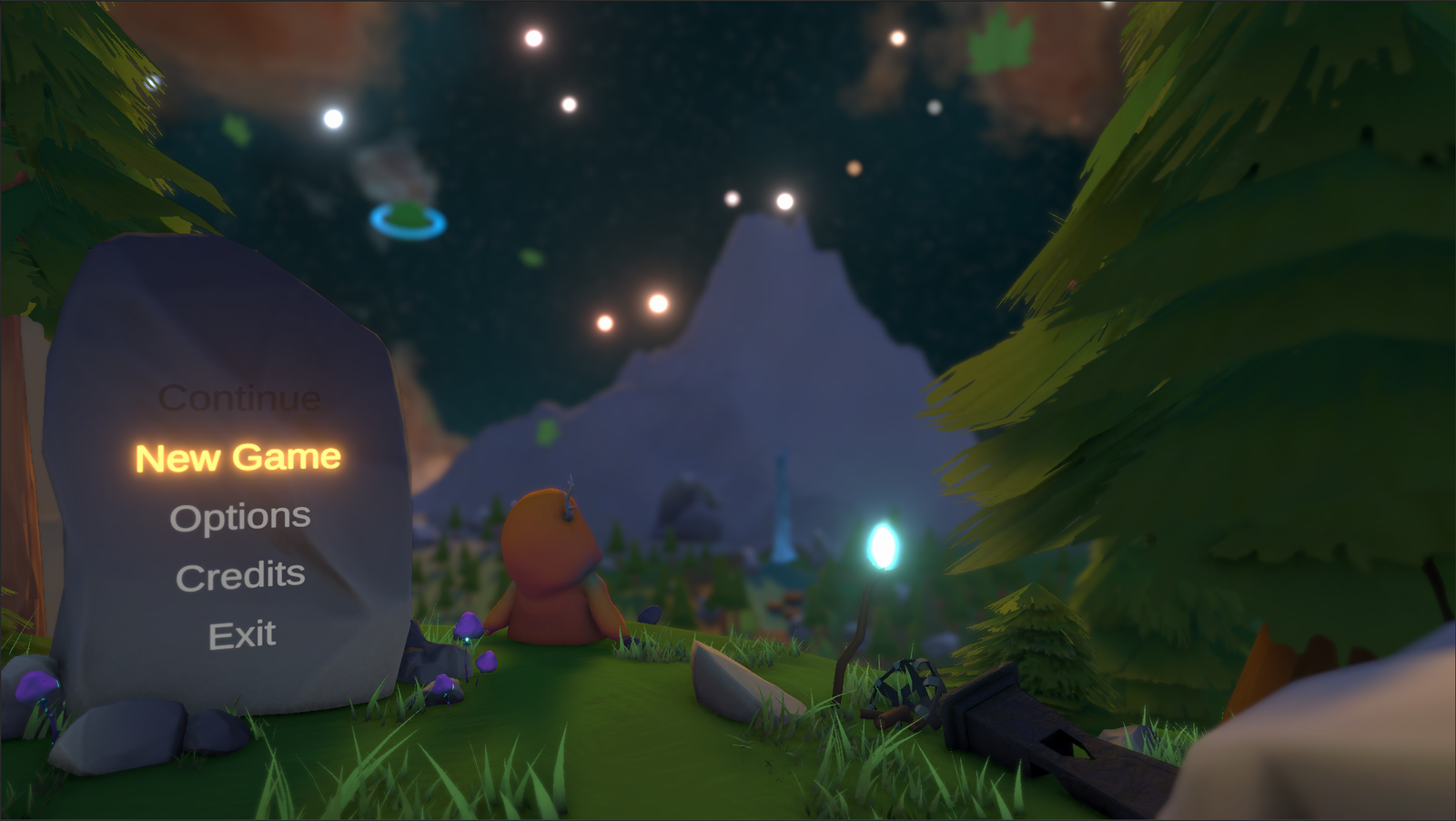
About Dike Defender
Dike Defender is a singleplayer action-combat tower defense game where you play as Nancy, an inspector for Waterstaat tasked with protecting the Dutch dikes. Face off against the evil muskrats sent by Elon Muskrat and defend the dikes before they can unfold their evil plans in this goofy experience.
The game was developed as my 1st year project for Student Festival at CMGT, Hanze University of Applied Sciences. Together with a small and dedicated team, we went through several different prototypes before bringing the final game to life. I initially started out working on UI Design, but during development grew into the role of Lead Programmer.
As Lead Programmer, I worked on various elements of the game, including cutscenes, reusable systems, and objectives, while also helping structure the code and ensure the different systems worked together as intended.
For more details about my contributions to Dike Defender, take a look below.
Contributions
Programming
- Created a smooth Player Base.
- Movement, interaction & combat mechanics
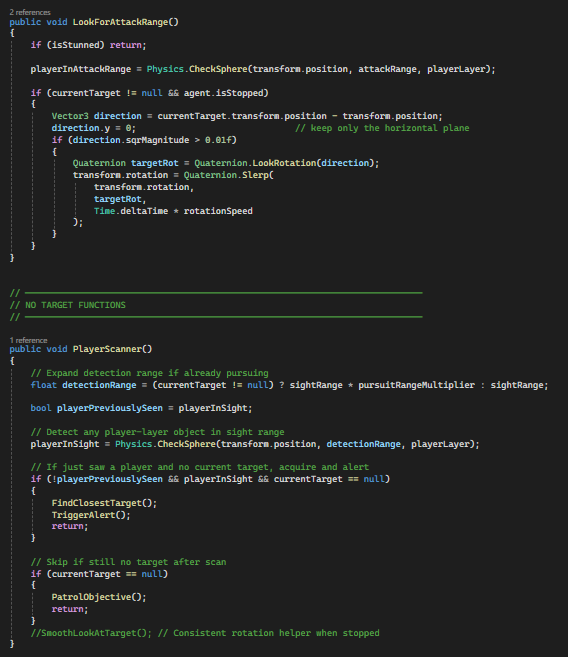
- Designed & developed AI Behavior for multiple enemy types.
- Attack logic
- State management
- Customizable speed, health & cooldowns for enemy variety
- Created and implemented Game Objectives.
- Defending key targets
- Tracking win/loss conditions
- Developed a Cutscene Manager
- handling triggers, playback & transitions.
- Created Reusable & Modular Systems.
- Shared enemy health system
- Separated health, movement & behavior into independent components
- Designed systems to be easily reused and expanded
- Created and implemented Healing Items.
- Assisted with Integration of Gameplay Animations.
- Player & Enemies animation system
UI/UX Design
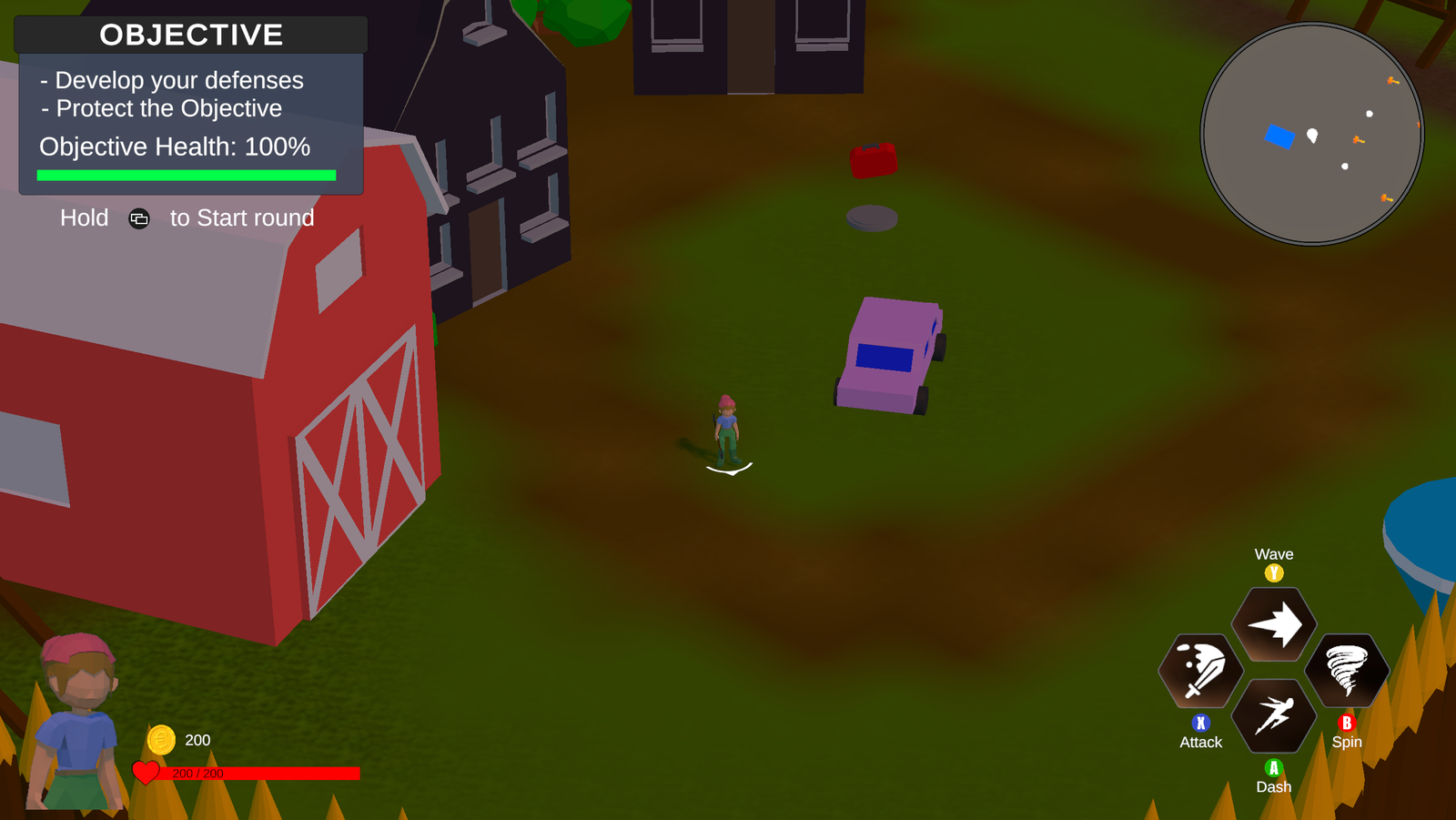
- Designed the game’s HUD layout.
- Determined which elements needed to be displayed
- Defined placements and size of each element
- Designed UI layouts throughout the game.
- Defined and iterated the designs based on feedback and testing
- Strong focus on readability and ease of use
Programming
Show Programming
Main Player
I started with a basic capsule, and made a few scripts to seperate each action for the player, such as movement, interaction and fighting.
The movement was done in combination of my script and the Character Controller component that Unity provides.
From there I made a toggle for players to choose their desired movement type, via camera angle or world axis.
Later I made more logic behind the code to add in animations, and not let them cancel out each other, to prevent weird transitions or bugs.
While the player animations were in I also decided to create an alternate player object to act as a 2D HUD Element.
This would react if the player took damage of any kind.
AI: Enemies
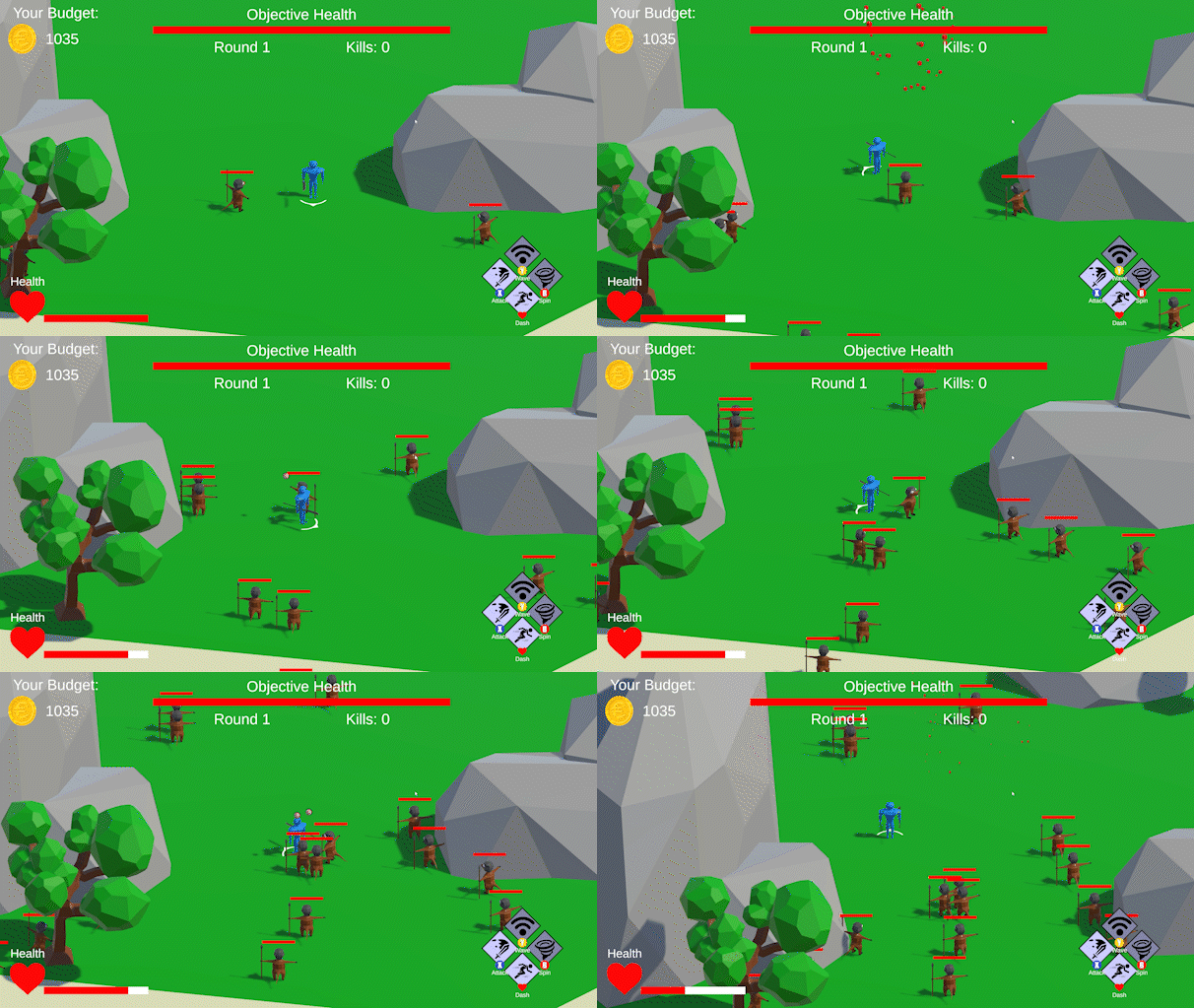
The enemies also started out as capsules, with basic logic to go to target that was assigned. Originally these would already assigning the player on Start once they spawn in. This allowed me and my team to make spawners for endless hordes of enemies.
This concept did change a bit since we introduced different objectives. I later made a brand new script with the things I have learned through the itterations.
This script would have 2 very basic scripts including the health scripts and the movement and attacking combined into 1.
After I was done with the scripts I made prefabs of each enemy and made alternates depending on what kind of enemy type they were, one that would go for the player or the objective alone. From there my team could make easy number changes that would also apply to the varient versions of the same enemy type.
Making it very re-usable and easy for my team members who did not know how to code.
As for animations it was fairly simulair to the player, but a bit simpler due to the much simpler logic.
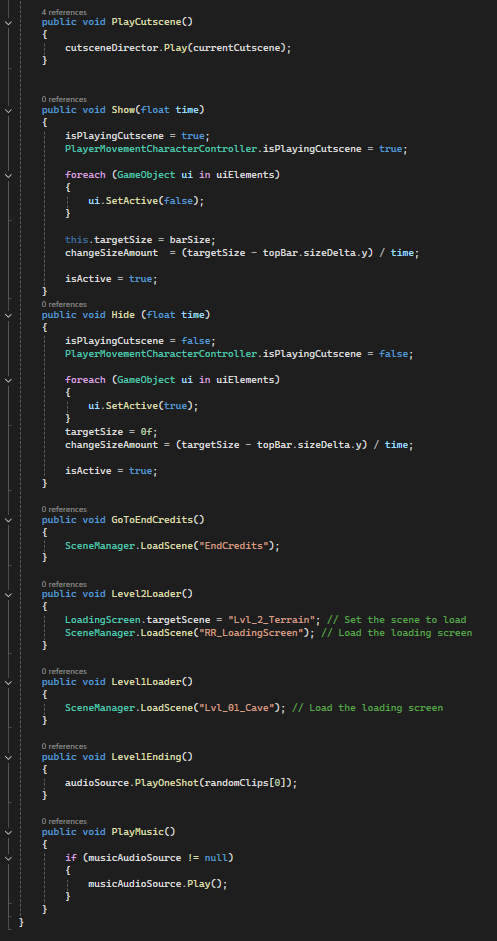
Cutscene Manager
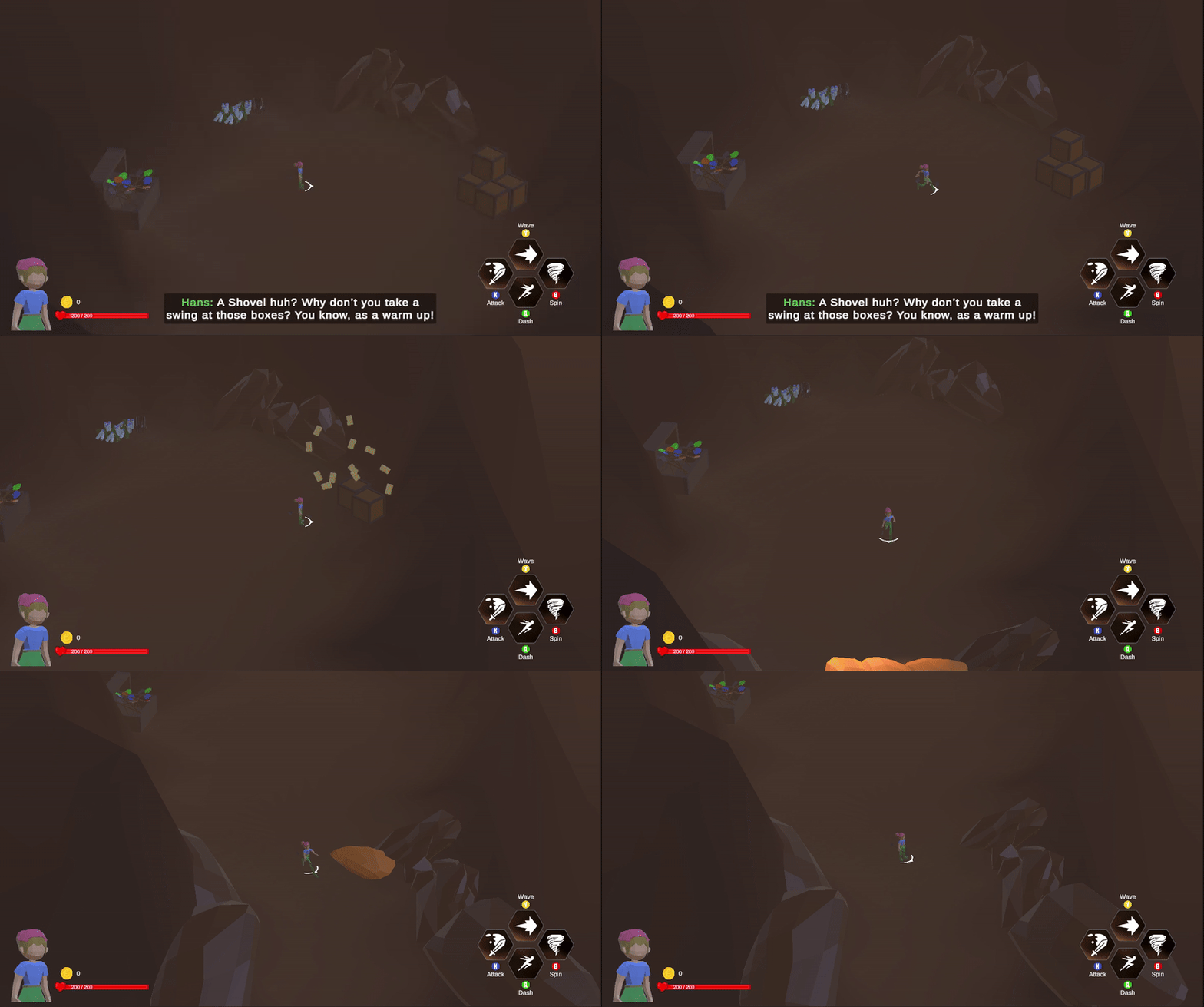
One of the last things I have done during the project was creating Cutscenes, with help of the Timeline inside Unity.
I made a few scripts allowing me to reference it inside other scripts to play a specific cutscene during the game.
Plus adding cinematic bars that appear and go away if a cutscene is playing or not.
The cutscenes themselves use animations on top of the characters, like running that are mostly made by my team and not me, but the cutscenes themselves, the camera angles, the movement and allignment of characters, etc. was all my work.
The cutscenes can also be found in video format below. Or play the full game to experience it yourself!
UI/UX Design
Show UI/UX Design
UI Elements
The UI in the game is something that changed quite a lot. I was the one who took on the role on creating the UI designs, in terms of:
- What needs to be on screen?
- Where?
- How?
I did make a few of the images, but most of them were either created by my team or were base Unity elements.
I made use of the canvases seen throughout Unity, that allow me to create HUDs but also UI elements moving in world space, like enemy health bars.
Besides this I got the opportunity to script these elements too, like enemy/player health, text changing while only having 1 object for it.
HUD Design
This level has been through the most changes within the project, with adding additional objectives and a better connection to where the player must go.
Within this level I also tried to think more of how to grab the players attention, via both lighting, object placement and the environment around you. After many playthroughs the spawn area felt lacking. So I went back to the drawing board and eventually landed on an additional objective which turned the original Waterfall river into a cliff, this felt more natural while also allowing for more cutscenes and parkour.
A cut area which can still be accessed is inside the cave. Which used to hold a puzzle that would reveal the Stag.
This was cut due to both time constraints and needed story to be hidden away. For all the levels I used Pro Builder to make the terrain to have control over how it should look, while making a custom shader that allowed me to switch between materials via vertex colors.