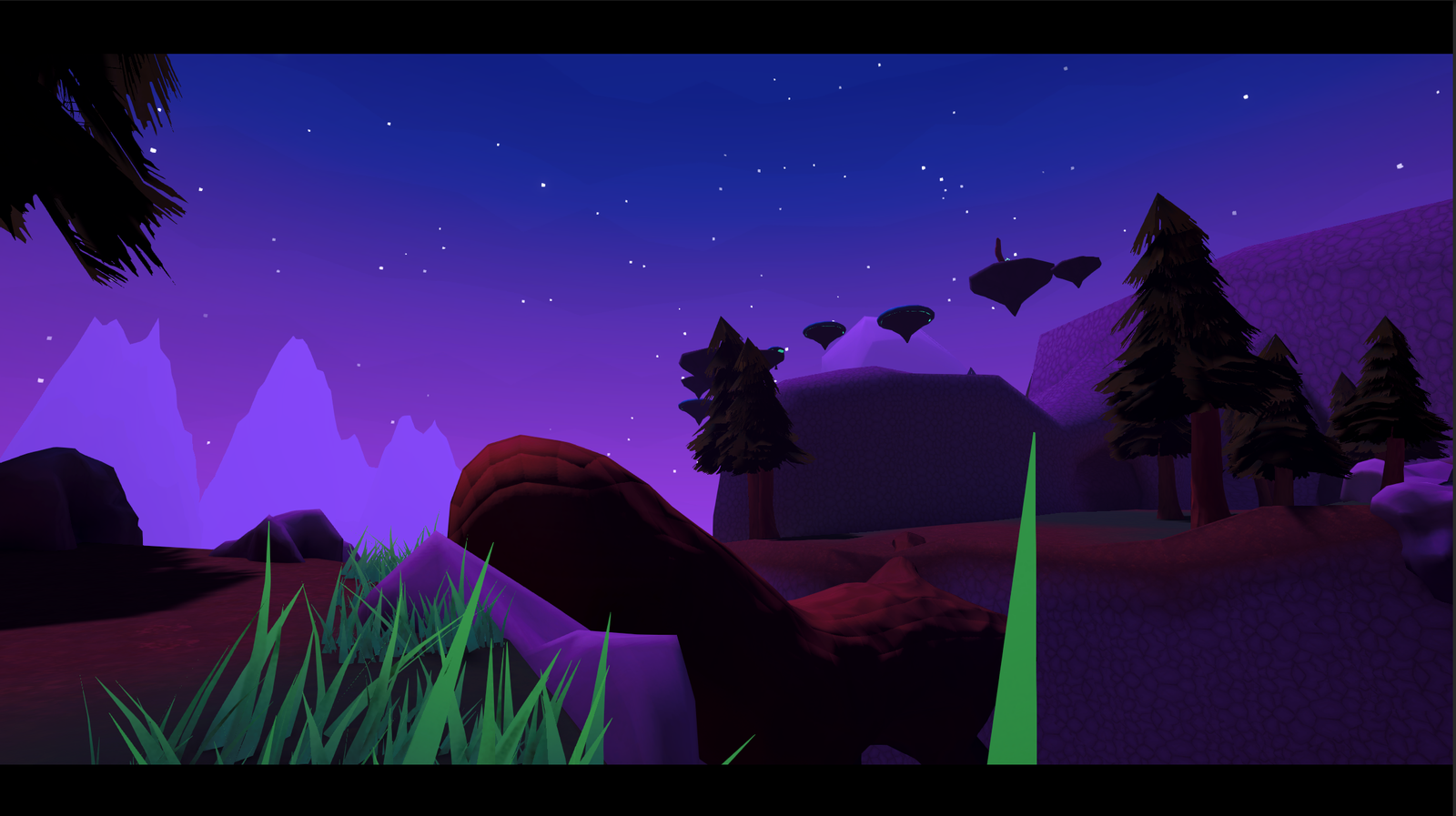
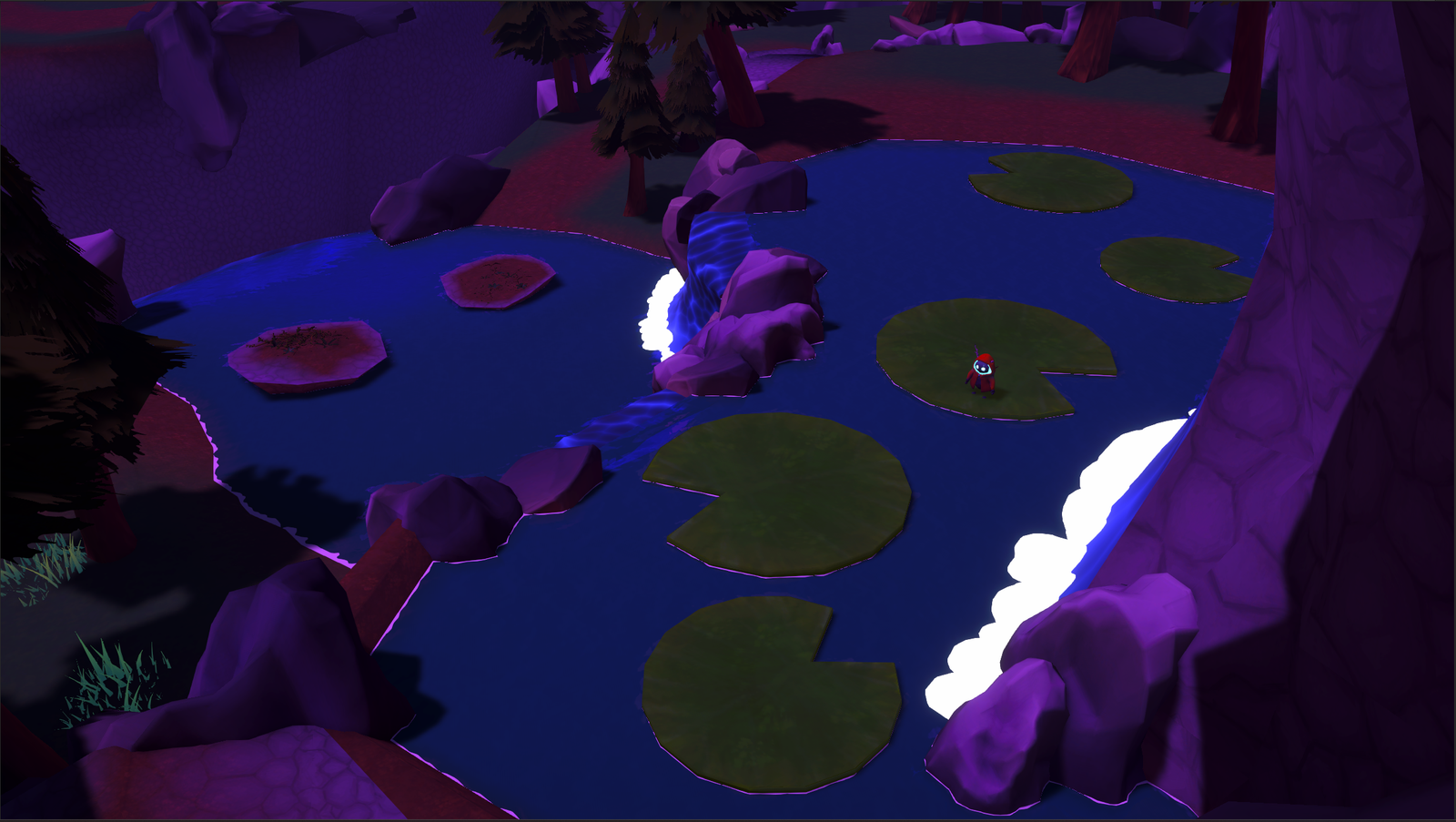
Lost Light is a classic 3D narrative platformer where you embark on a journey to relight the sun. Use different types of movement and solve puzzles to find your way up the mountains.
The game started as a 2nd year project for Student Festival at CMGT, Hanze University of Applied Sciences. Together with a small and dedicated team, we brought the project to life.
Throughout the project, I primarily focused on Programming and Level Design.
For more details about my contributions to Lost Light, take a look below.
During the beginning of this project my main focus was to create a smooth player controller. So I grabbed Unity’s Character Controller system and from there added the ability to walk, set a jump limit and ground check.
Another team member focused on adding the swing mechanic as well as sliding off walls.
Respawning was our way of adding checkpoints while also adding to the story.
The original idea was to add an animation that plays when you try to respawn, similair to League of Legends when you return to your base. As well as a death animation and respawn animation. But they were never further developed other than the idea.
The script I made for this stored which respawn point it was, if it is higher then the previous one it would set this to the new respawn. This also prevented the problem if you were able to skip a brazier and go back and lit it that that would become the new respawn point.
Inside the game we wanted the ability to play cutscenes in-game. So I made a re-usable system that worked with the build-in Director. Me and my team could make a cutscene and insert it into the manager, and the rest would mostly be done from there. There are some additional things like signals and being able to skip cutscene. The skipper for cutscenes was much later in the project since it did not have a priority. But was a nice addition in the end.
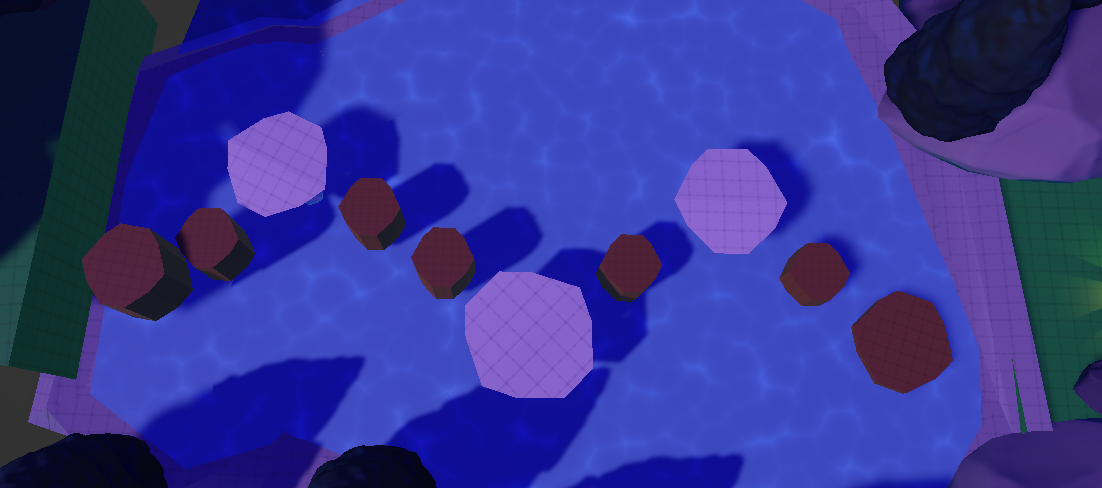
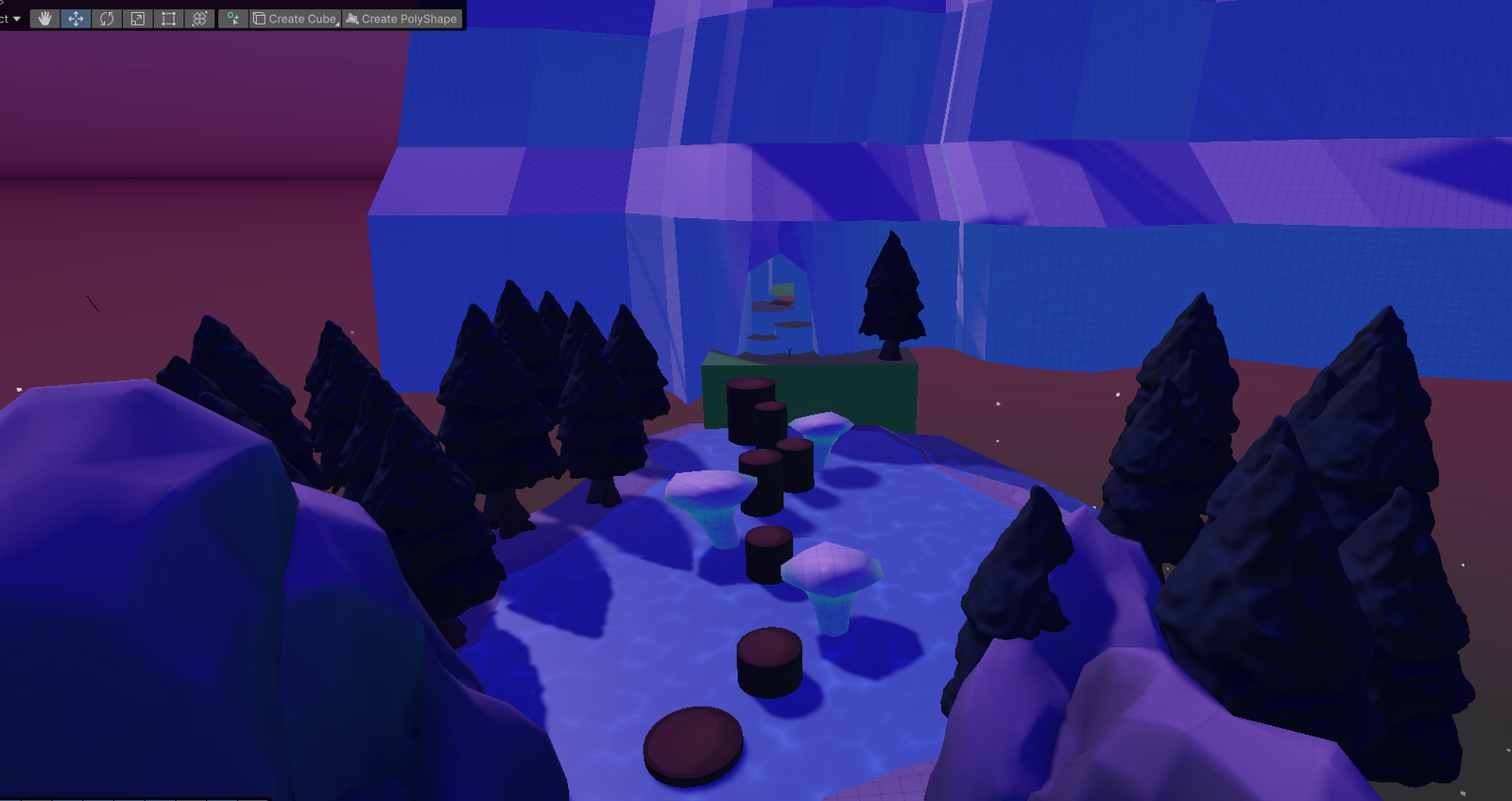
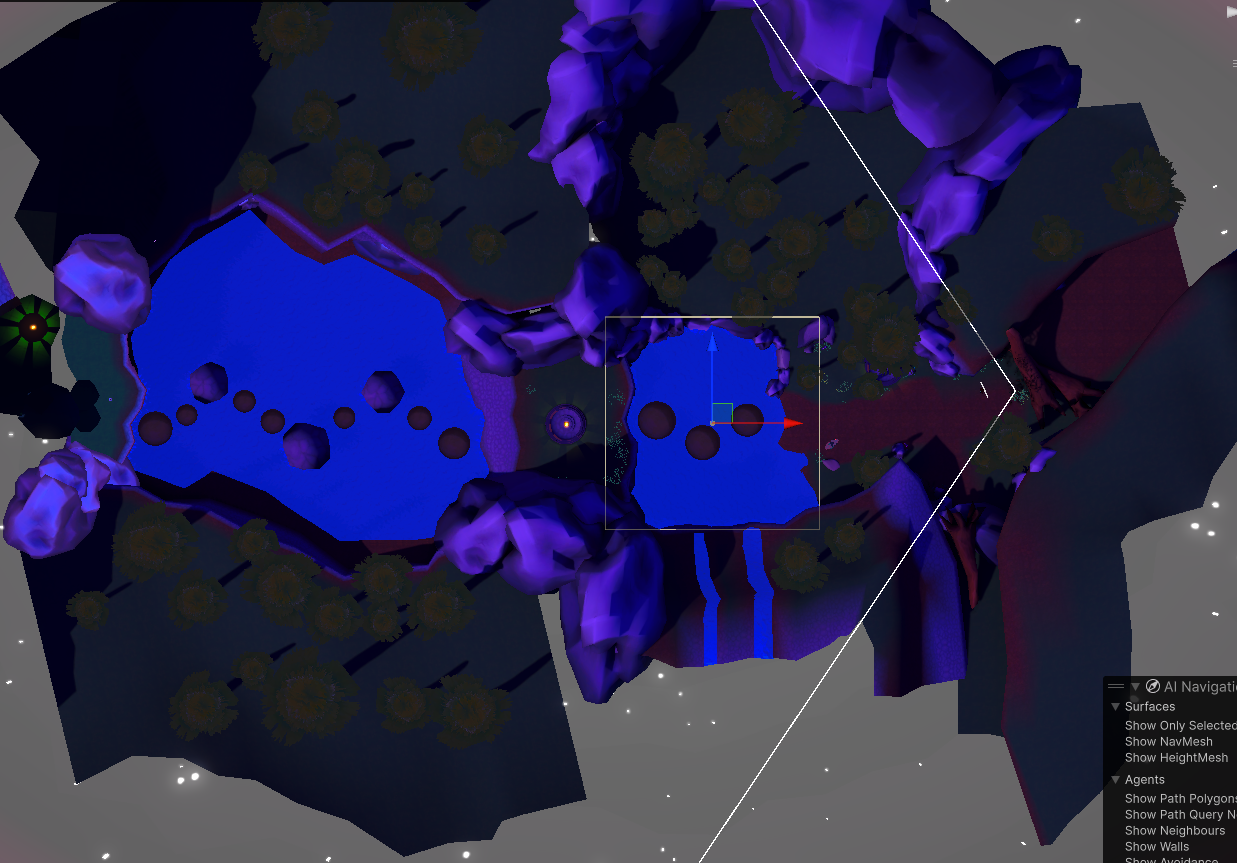
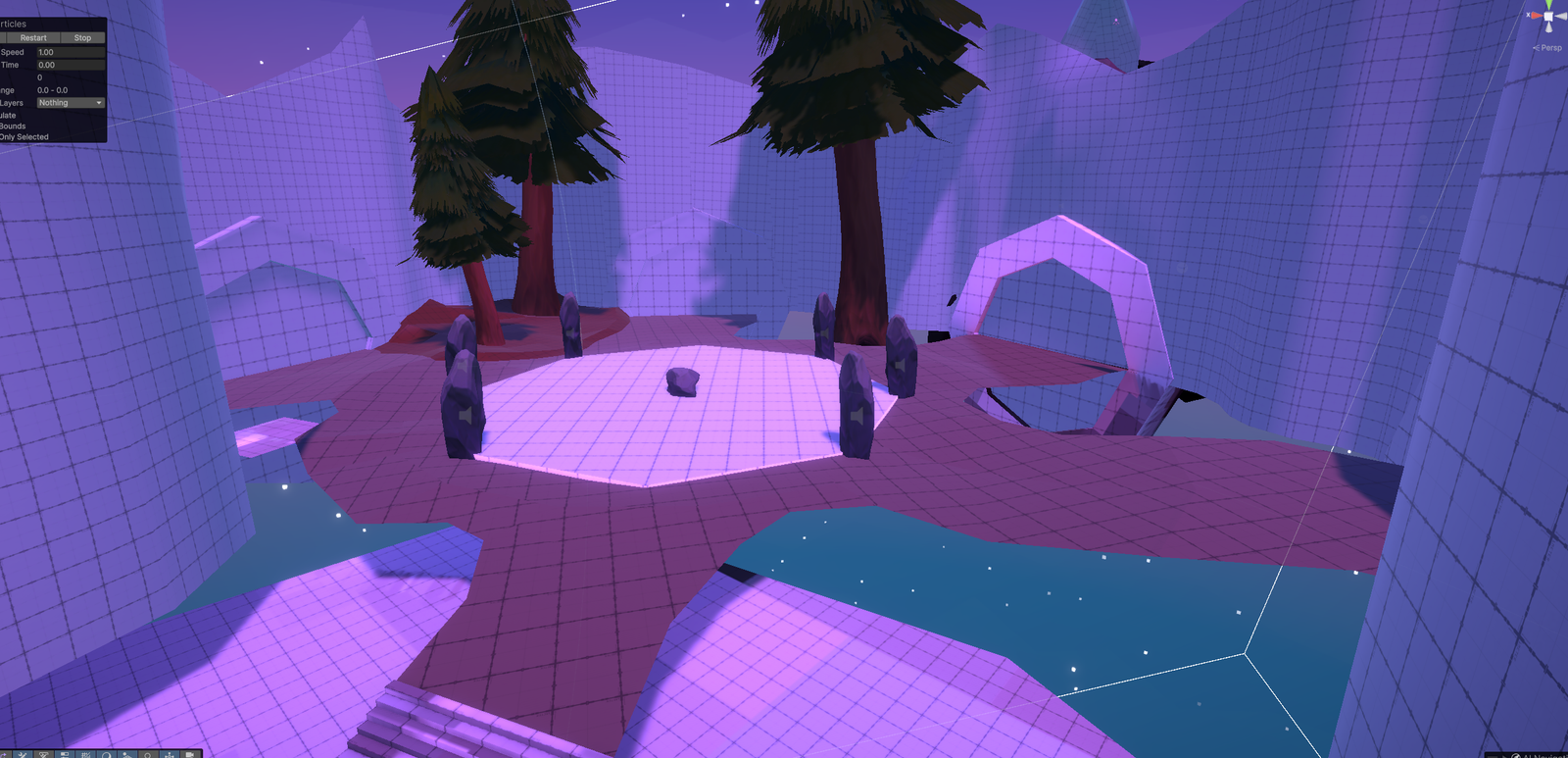
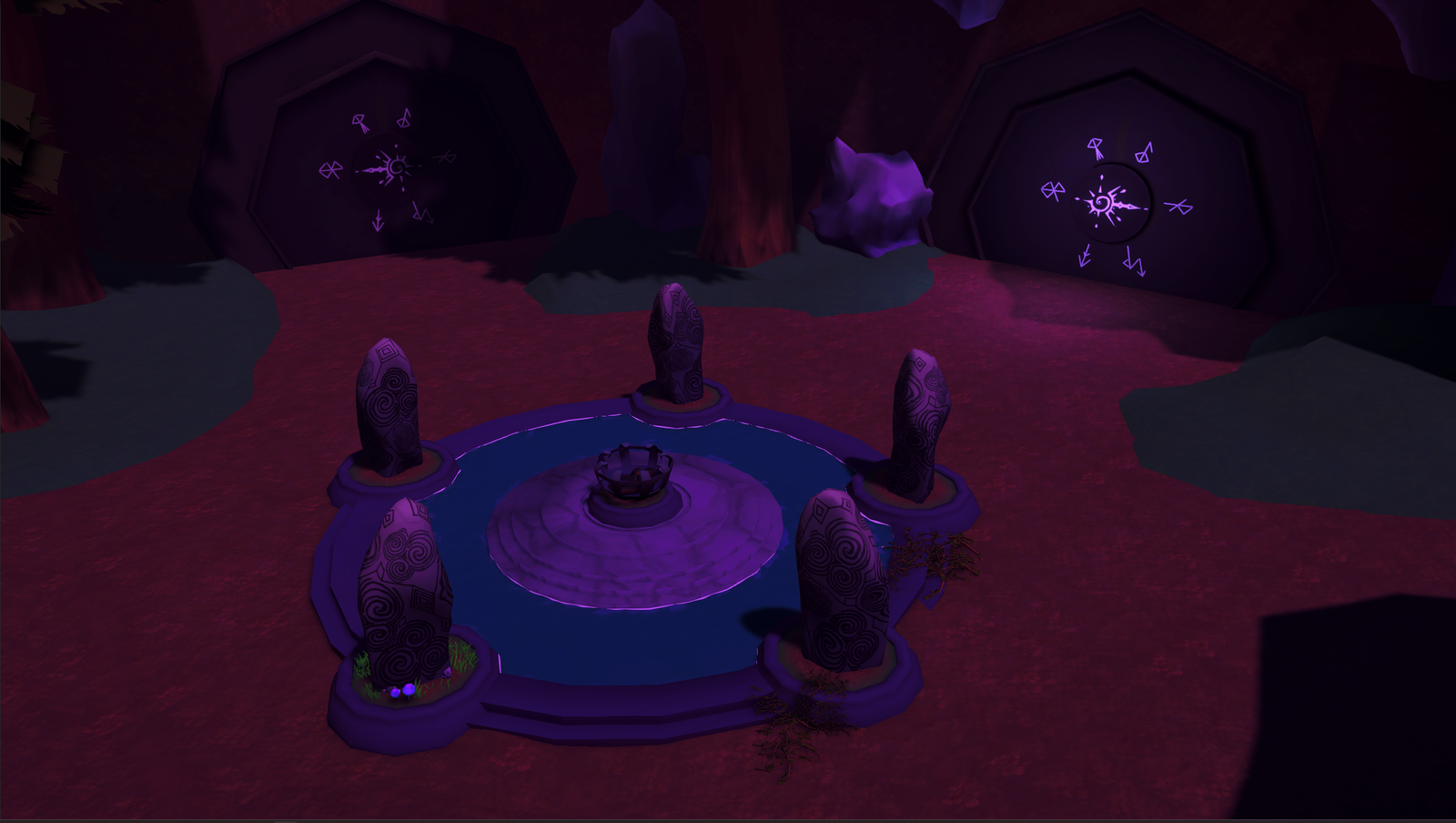
This puzzle is a Simon Says puzzle, which with testing people seemed to really enjoy. The puzzle uses only 2 scripts, which are a manager that holds all the interactables, as well as the base script foreach rock you can interact with. Making this a prefab is was super easy to tweak values.
This puzzle went through minor changes since we liked the state it was in, with around the only changes being the lay-out and each rock having unique pitched sounds.
Through the project I really wanted to learn a few more tricks in order to optimize our game and make performance better. With that in mind I looked at a few things including Profiling, Occlusion Culling, usage of LODs, Rendering Materials beforehand.
All this together made the game feel a lot smoother. For the future I would like to revisit this specific point to see if there are more things I have yet to learn.
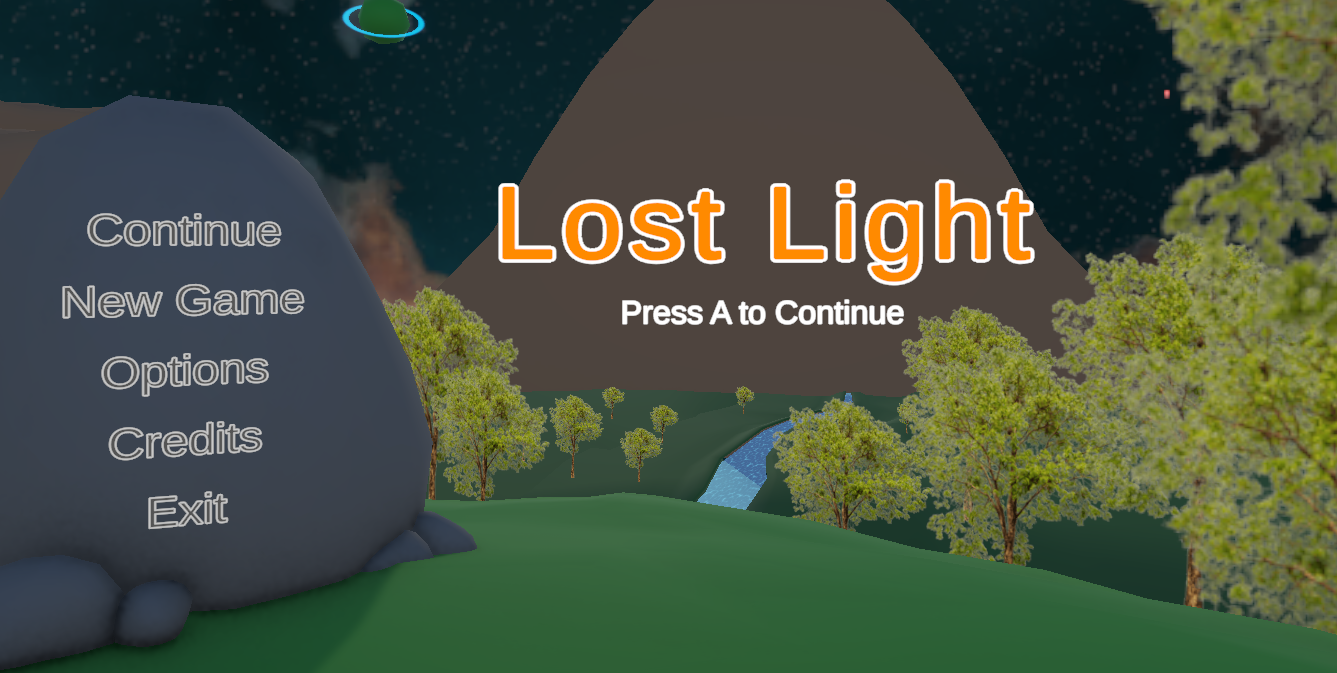
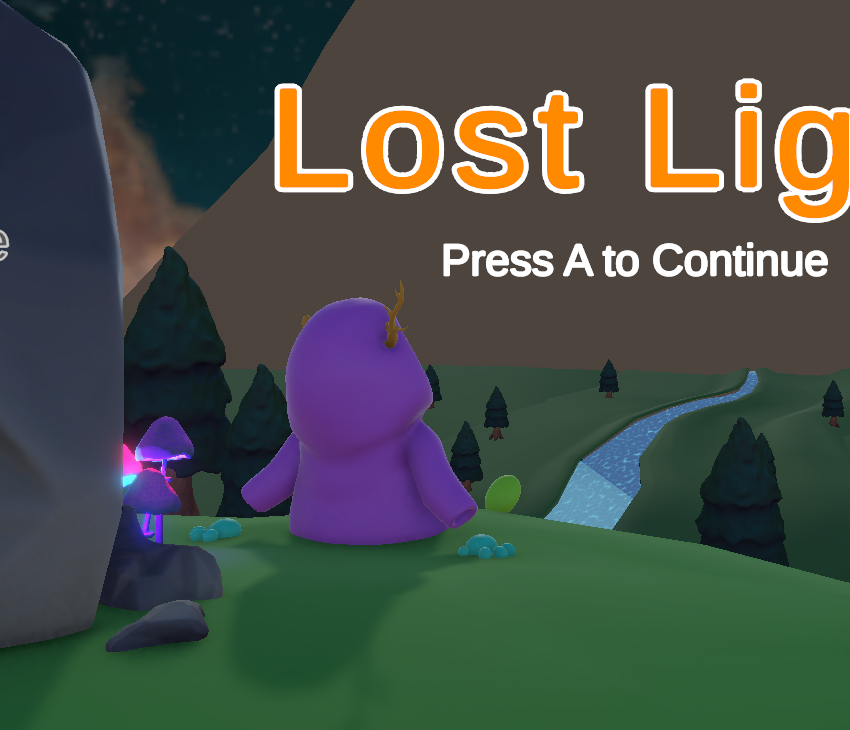
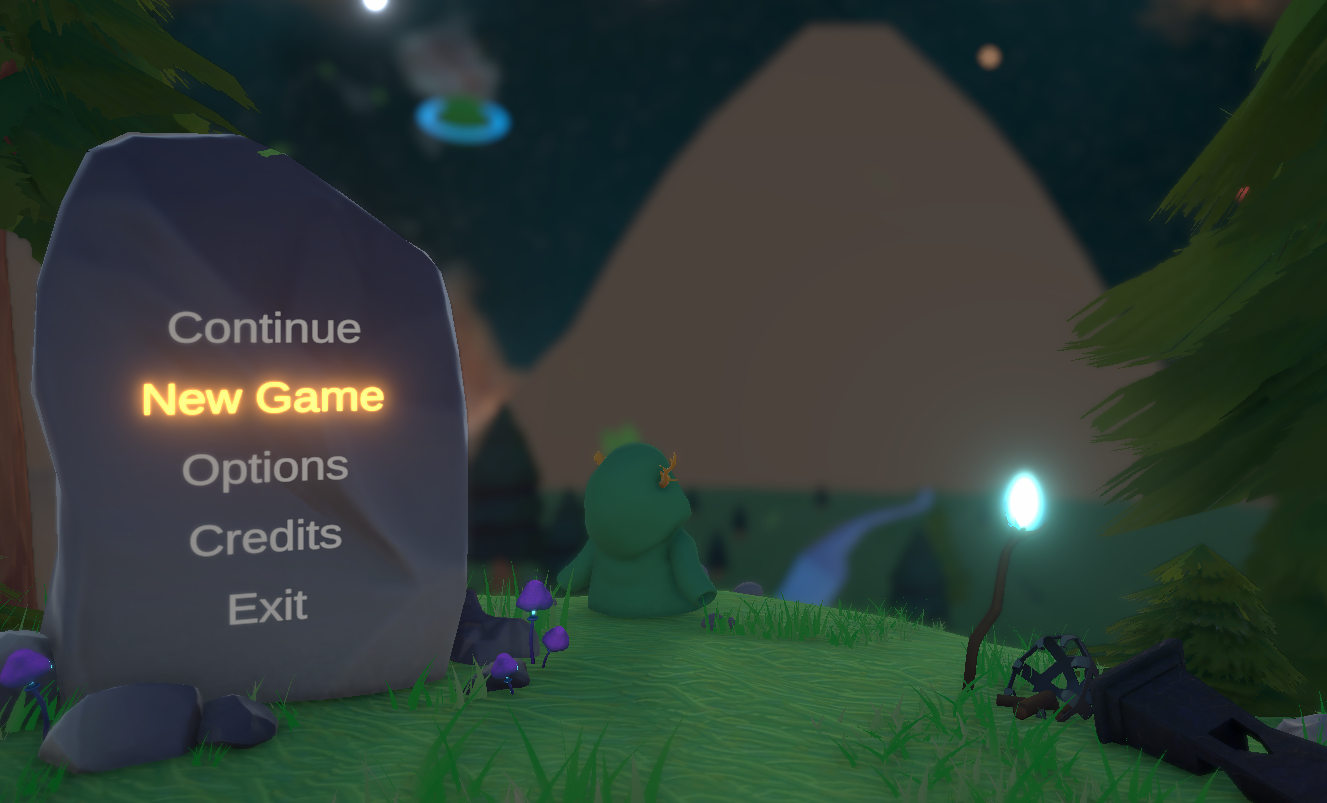
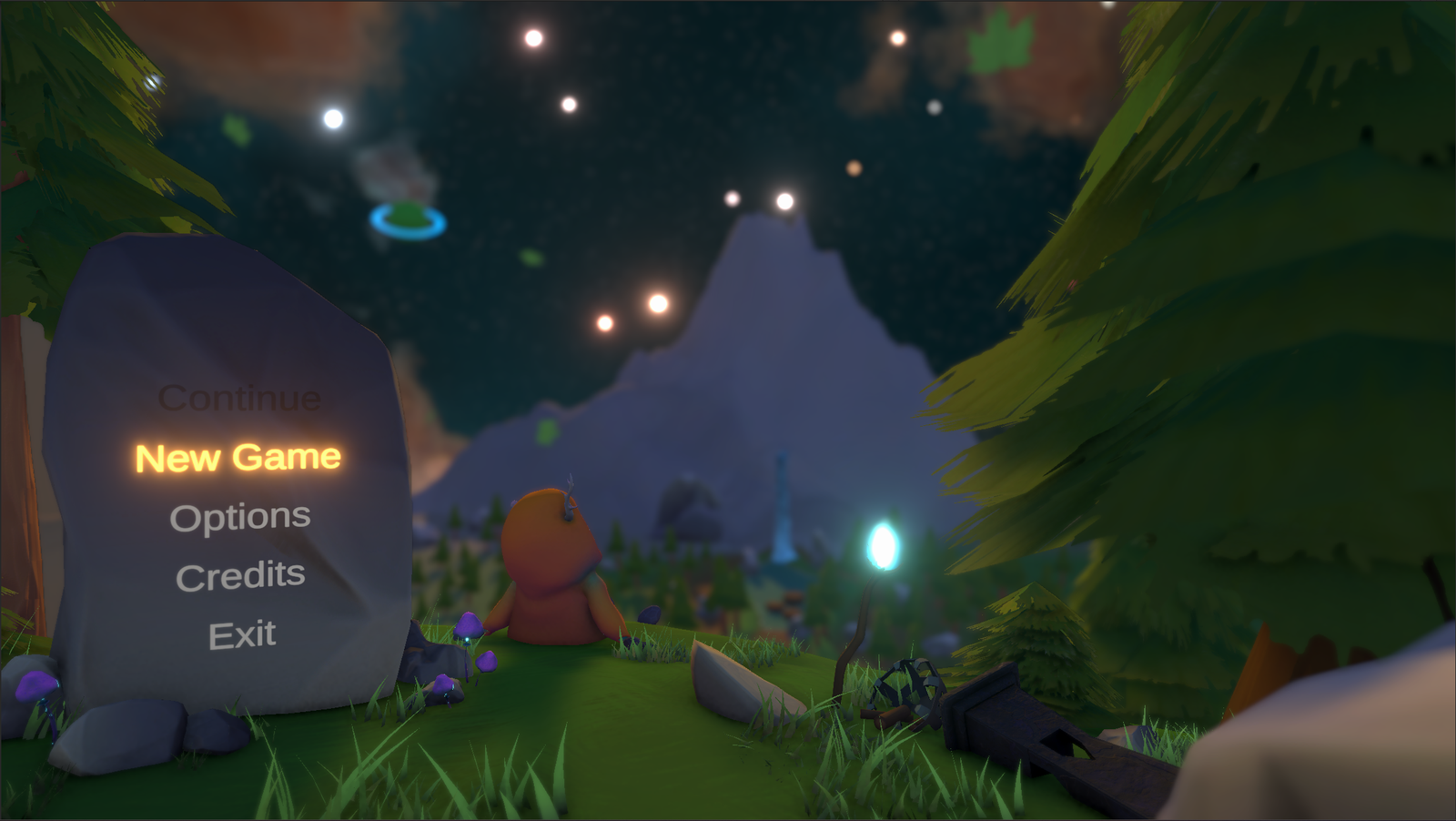
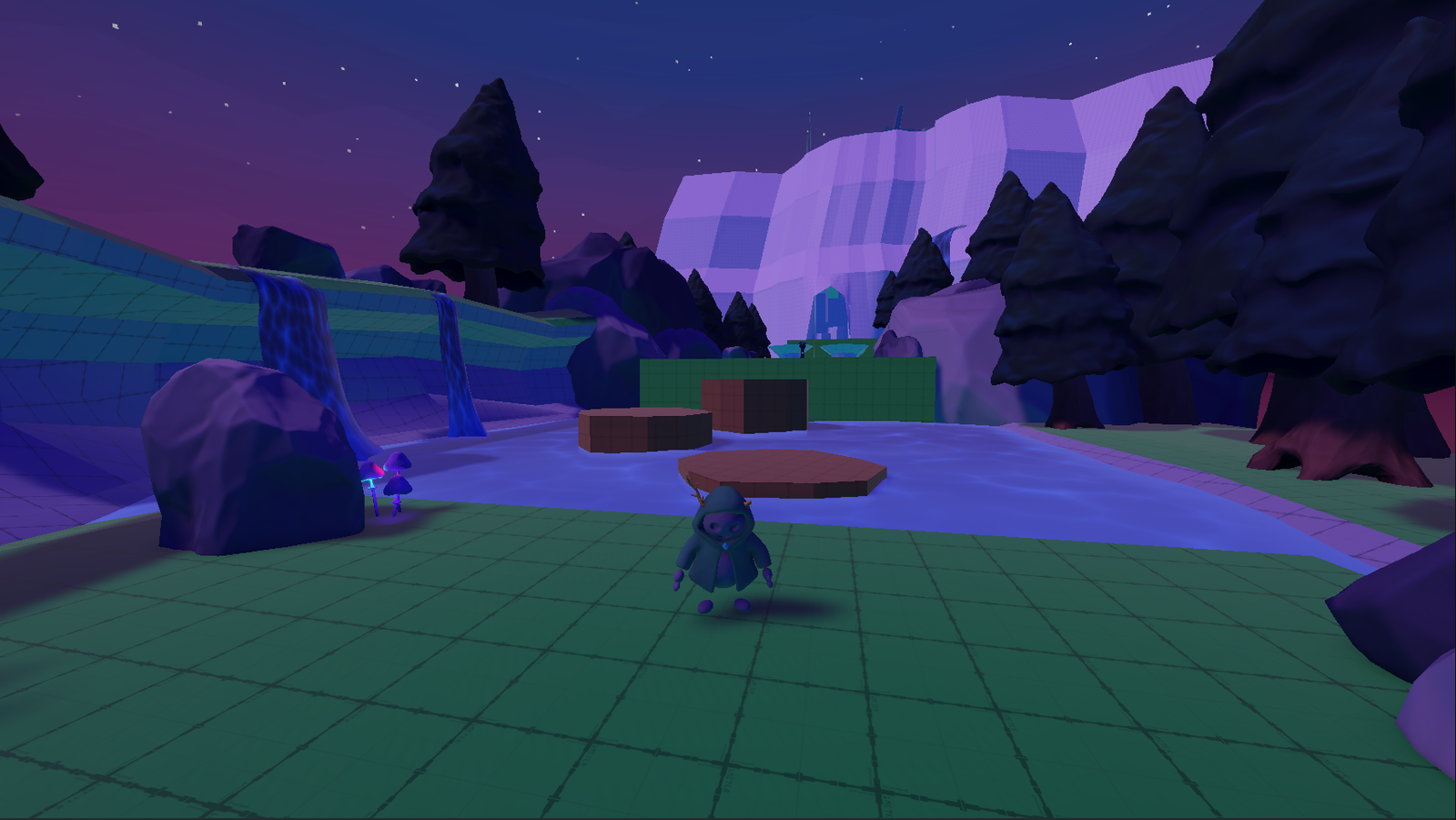
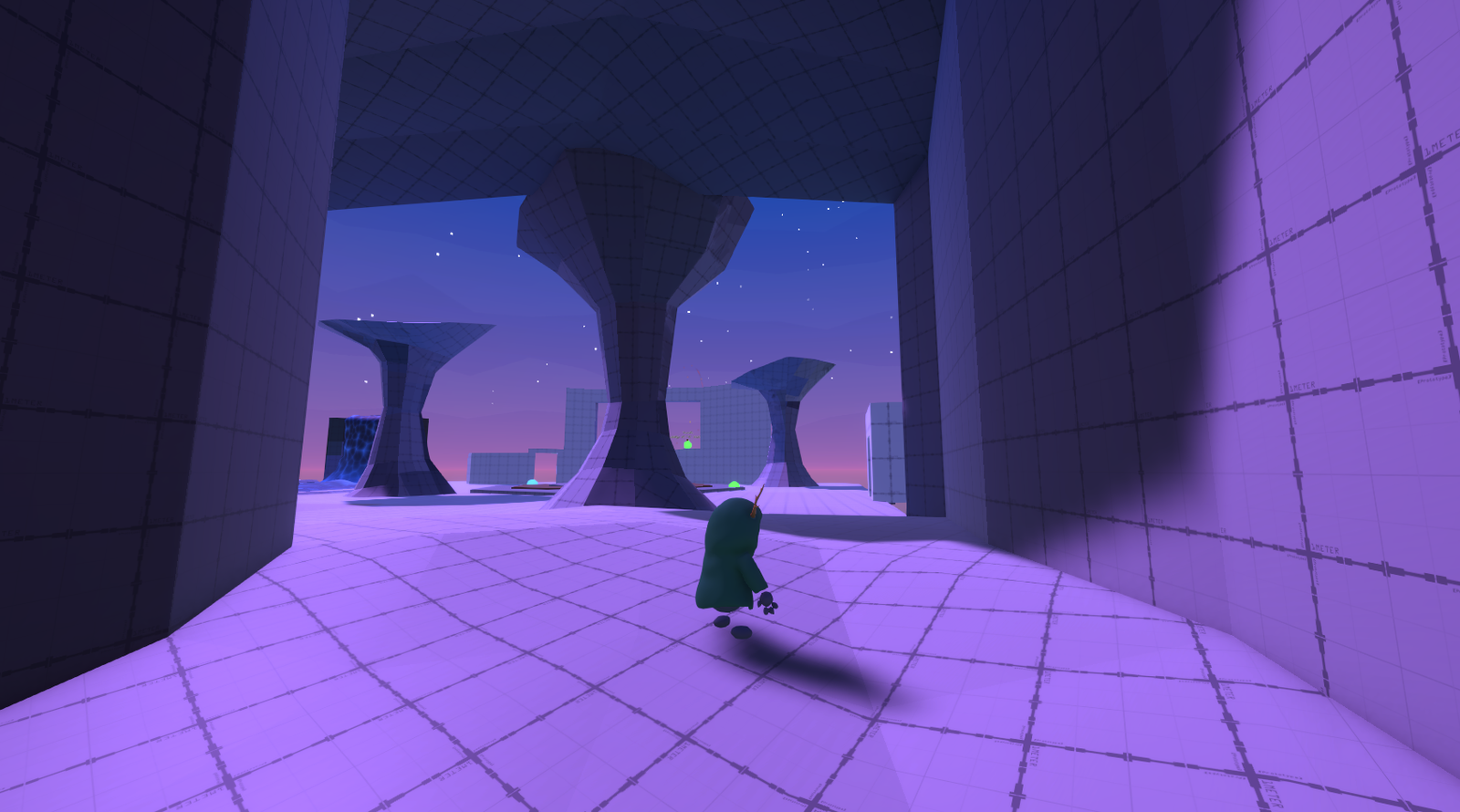
The main menu was something I had inside my mind how I wanted to showcase it. I made a small blockout and later added some more detail and created an animation for the player in the main menu. You can see the itterations it went through. The last change that was made was the skybox which is in the final game.
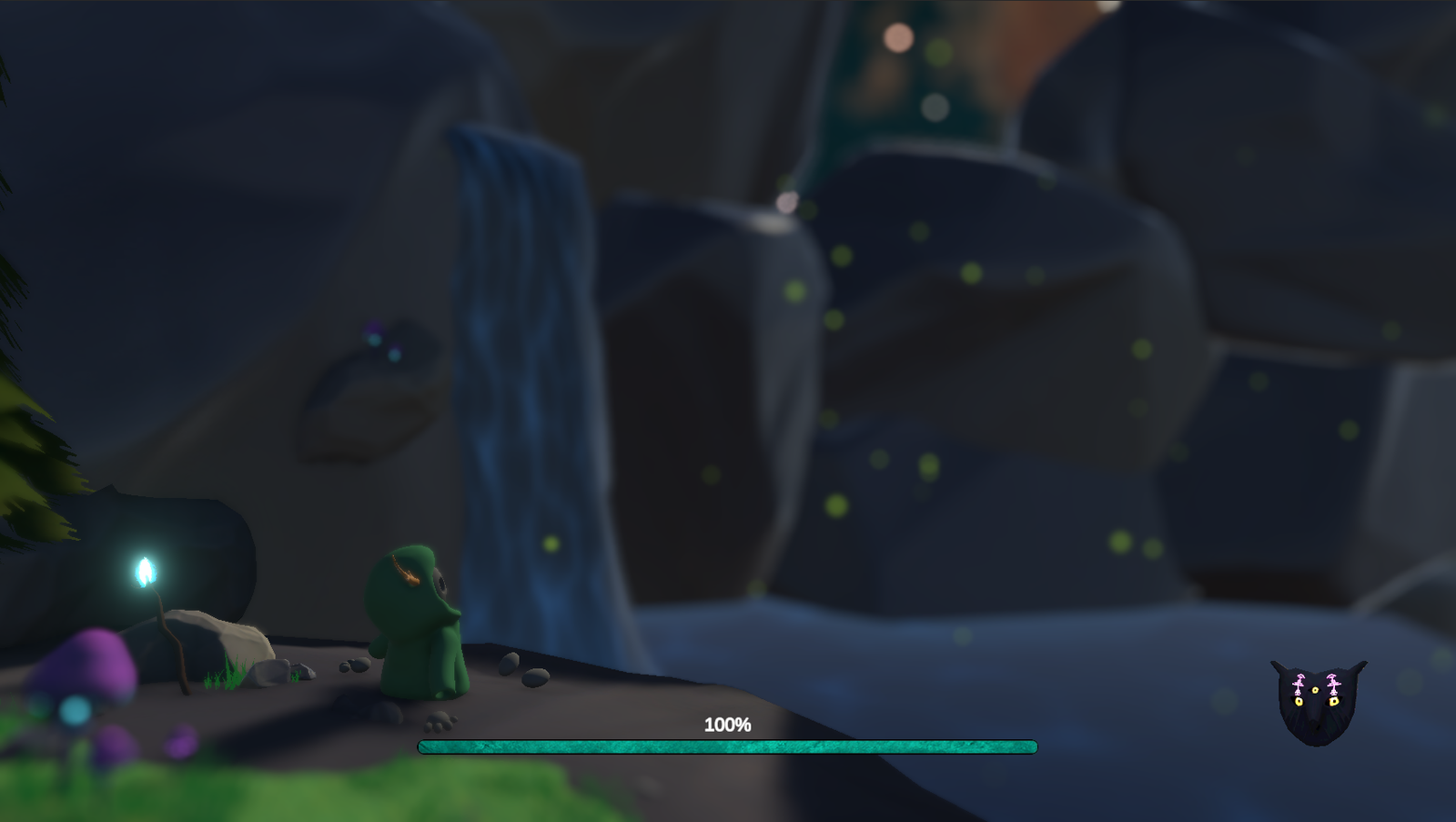
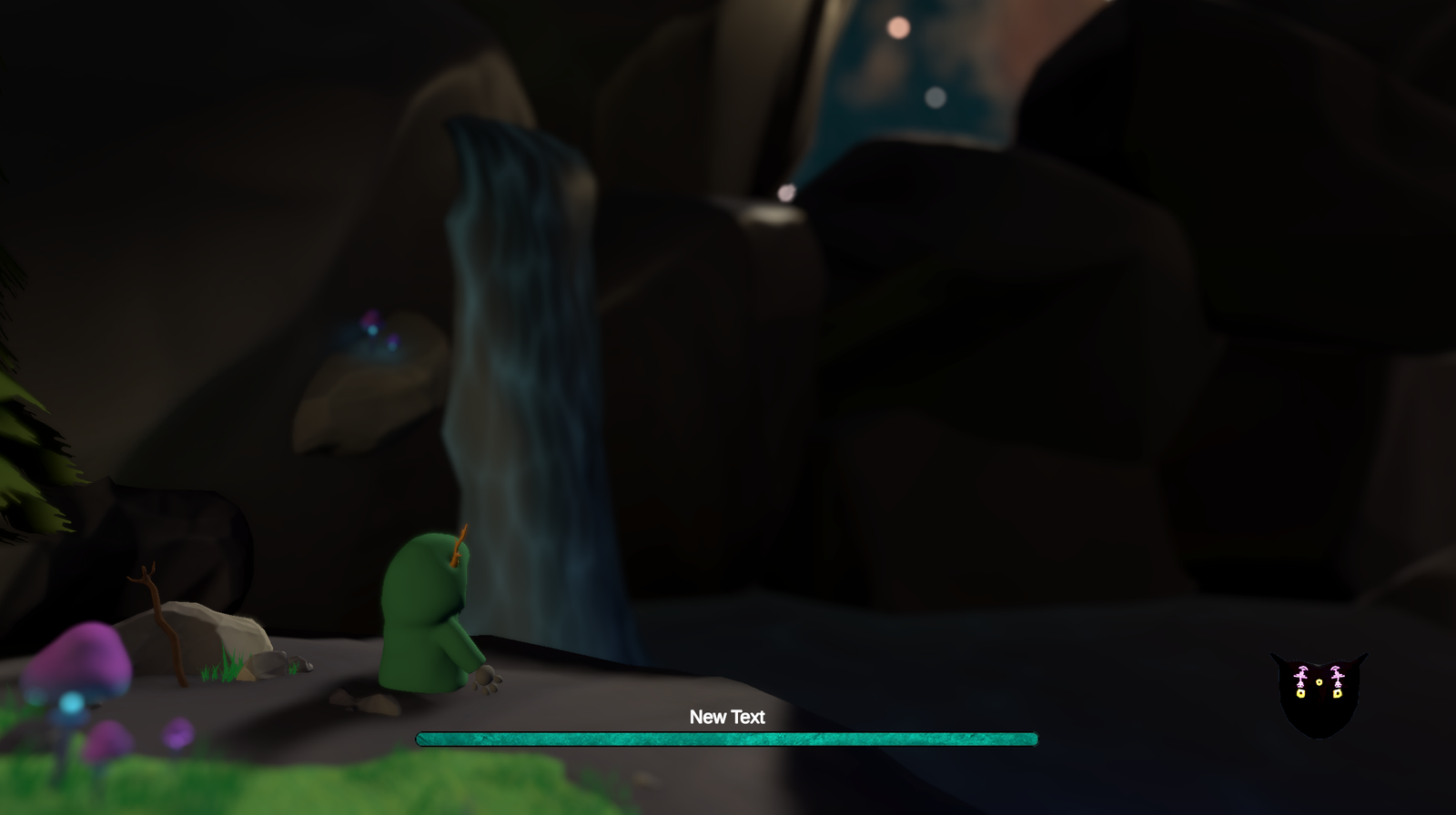
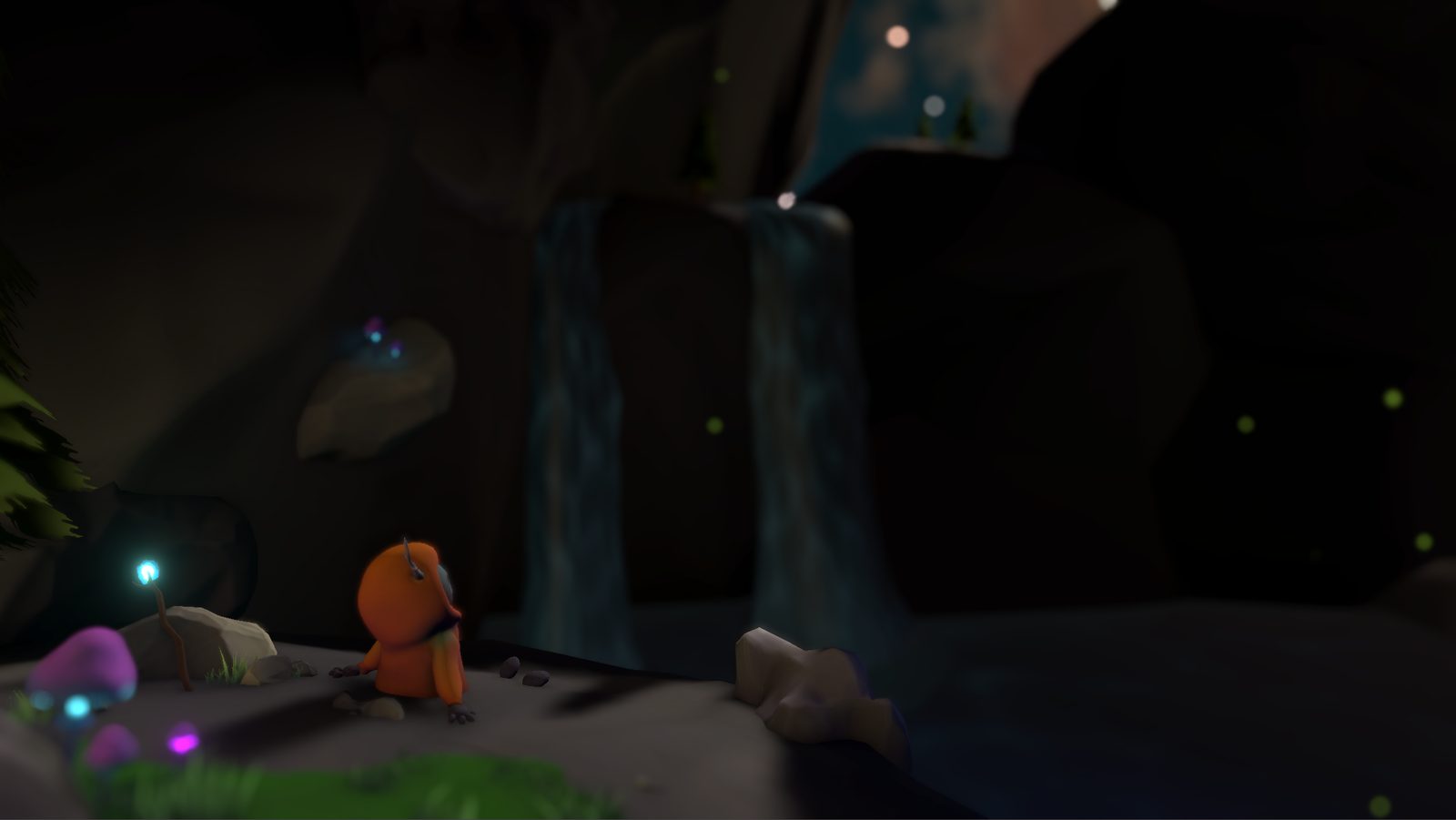
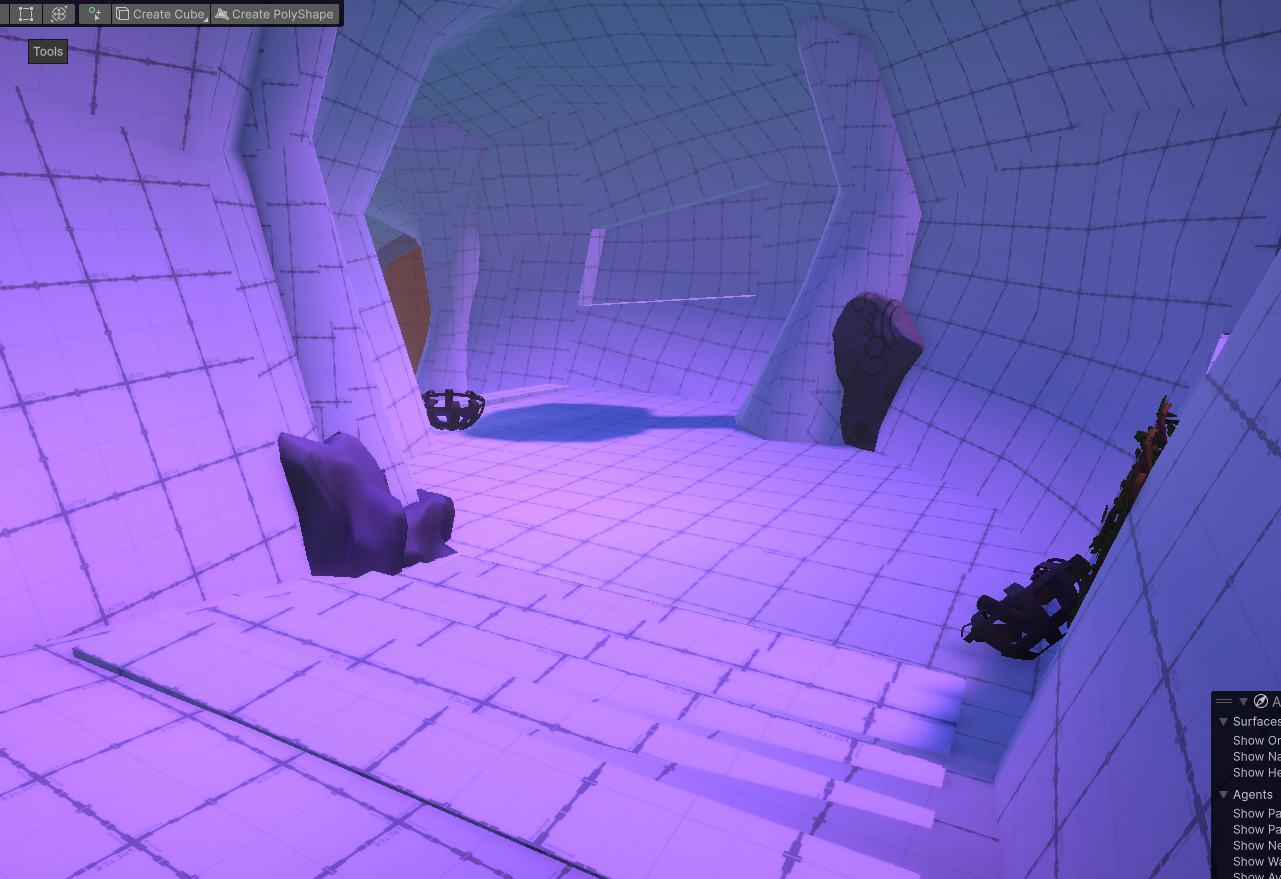
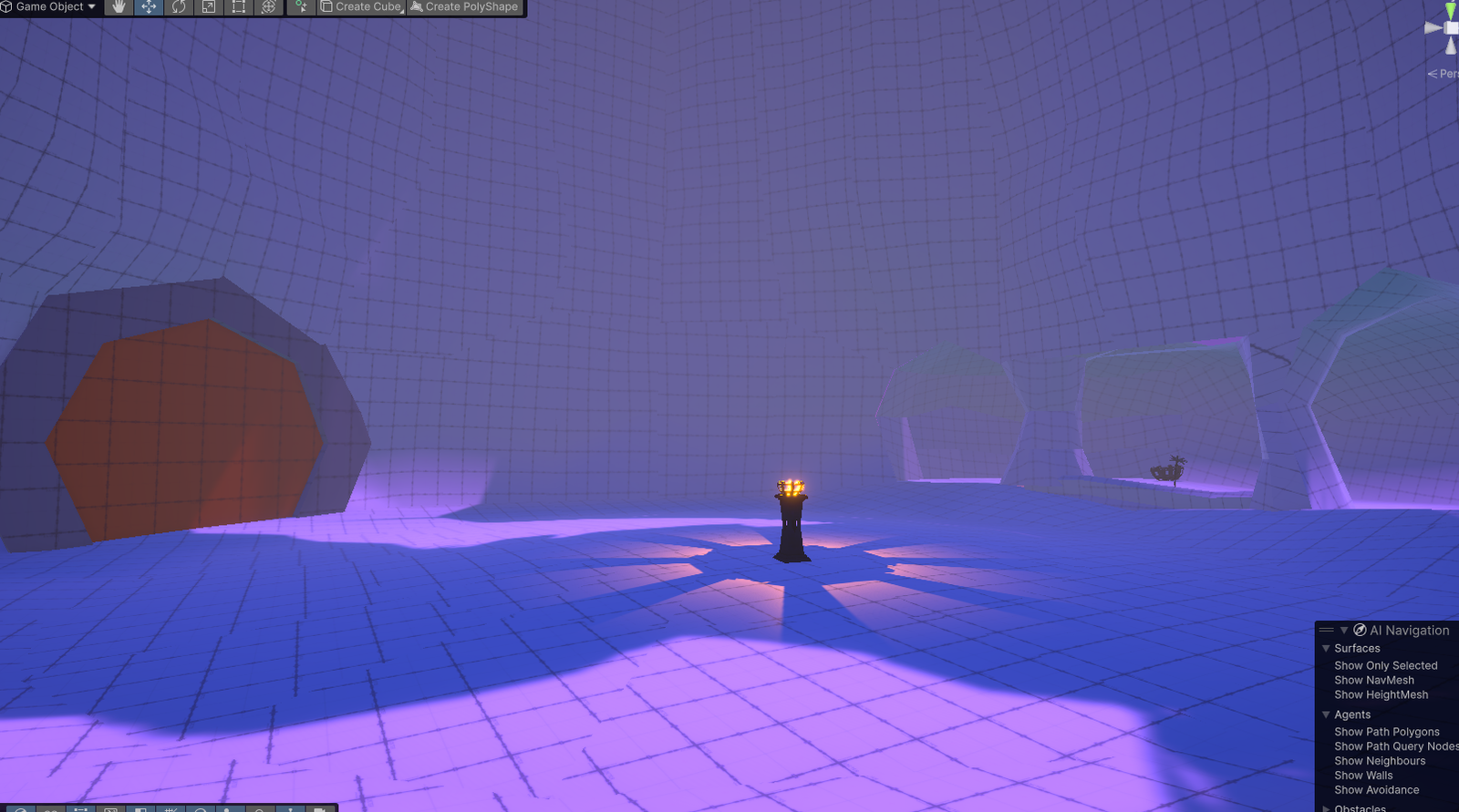
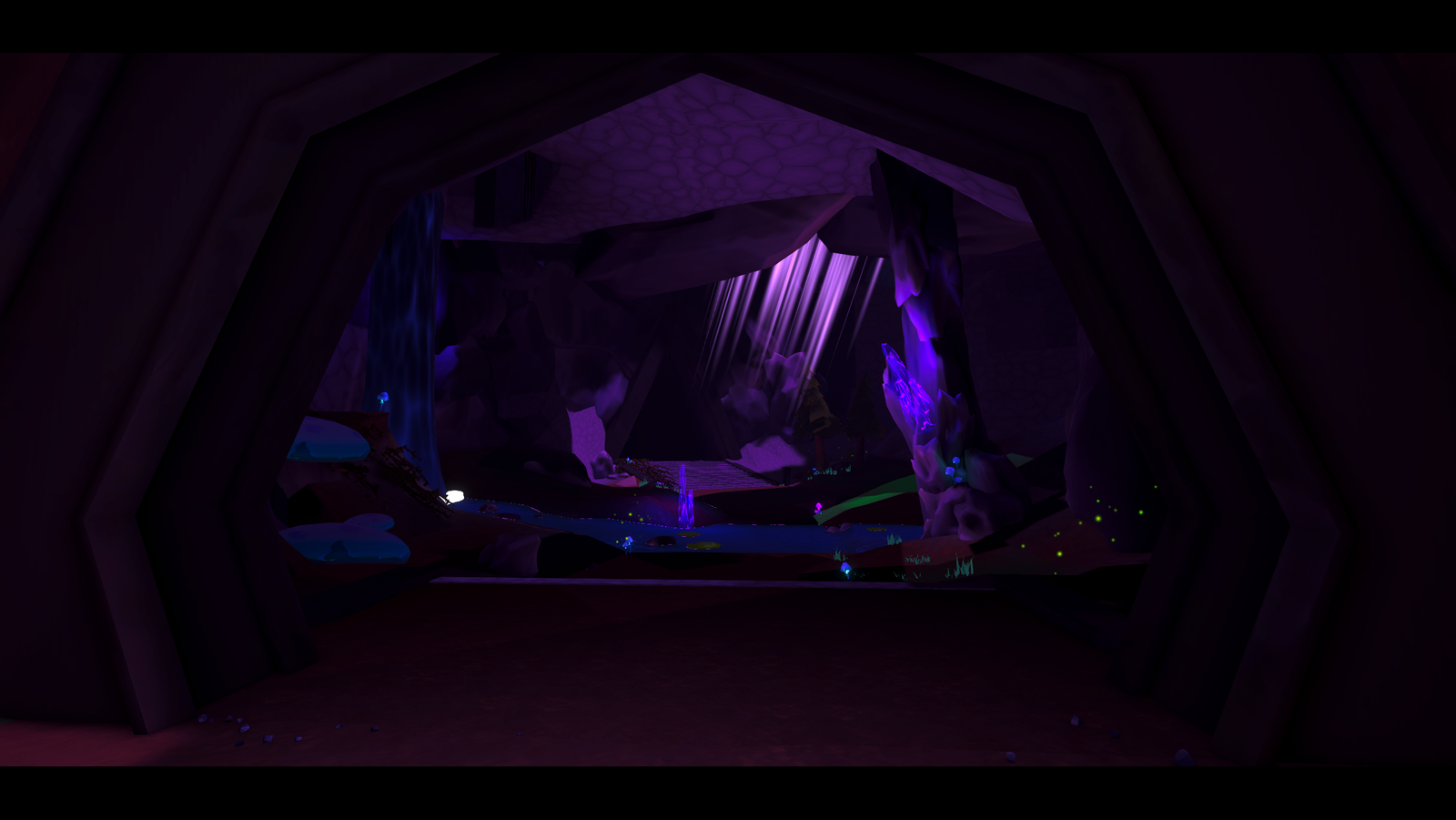
The loading screen was one of those environments I created later down the line. With help from someone inside the team we were able to find out the location of where the loading screen should take place, I was able to make a this cave environment.
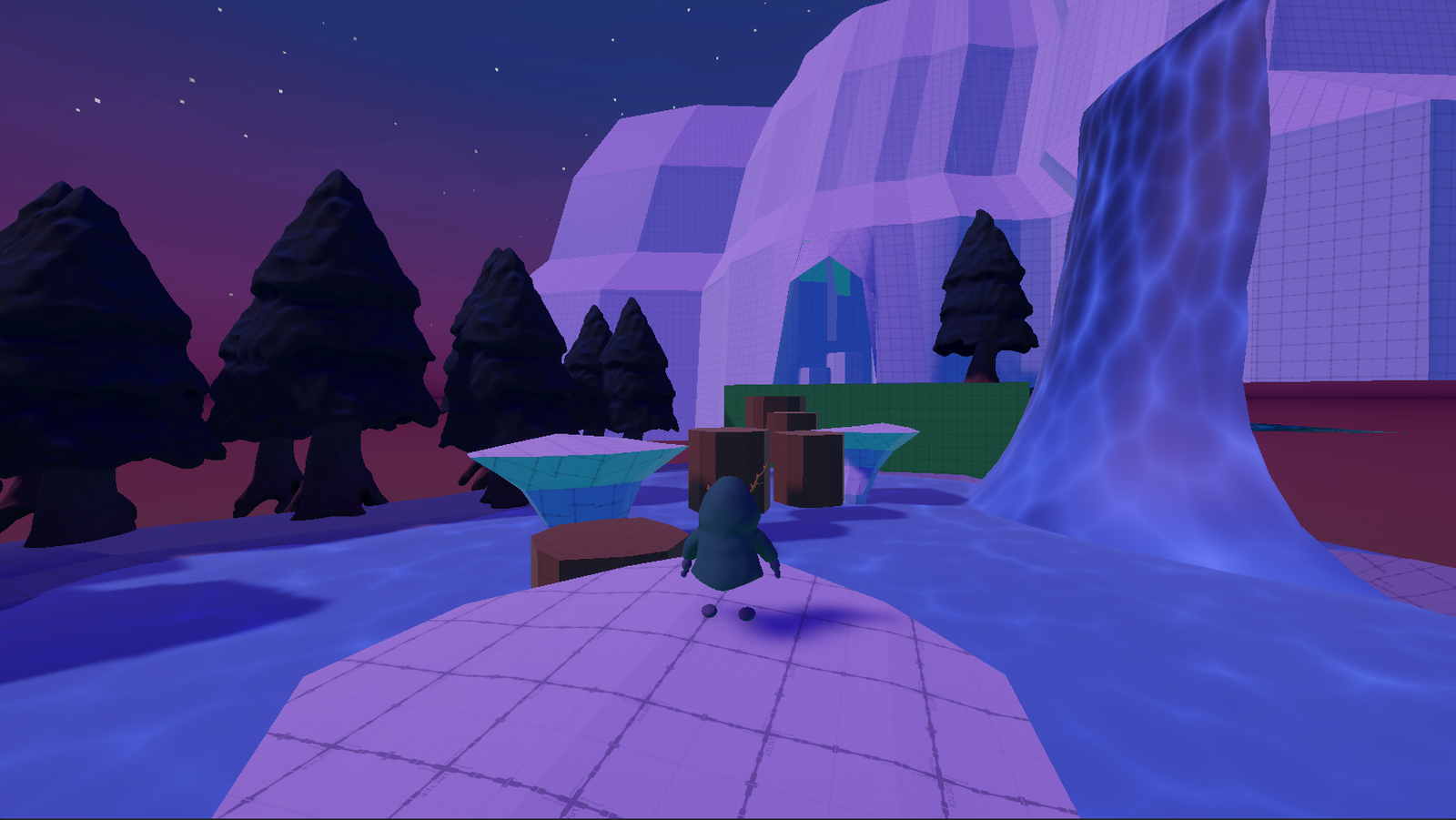
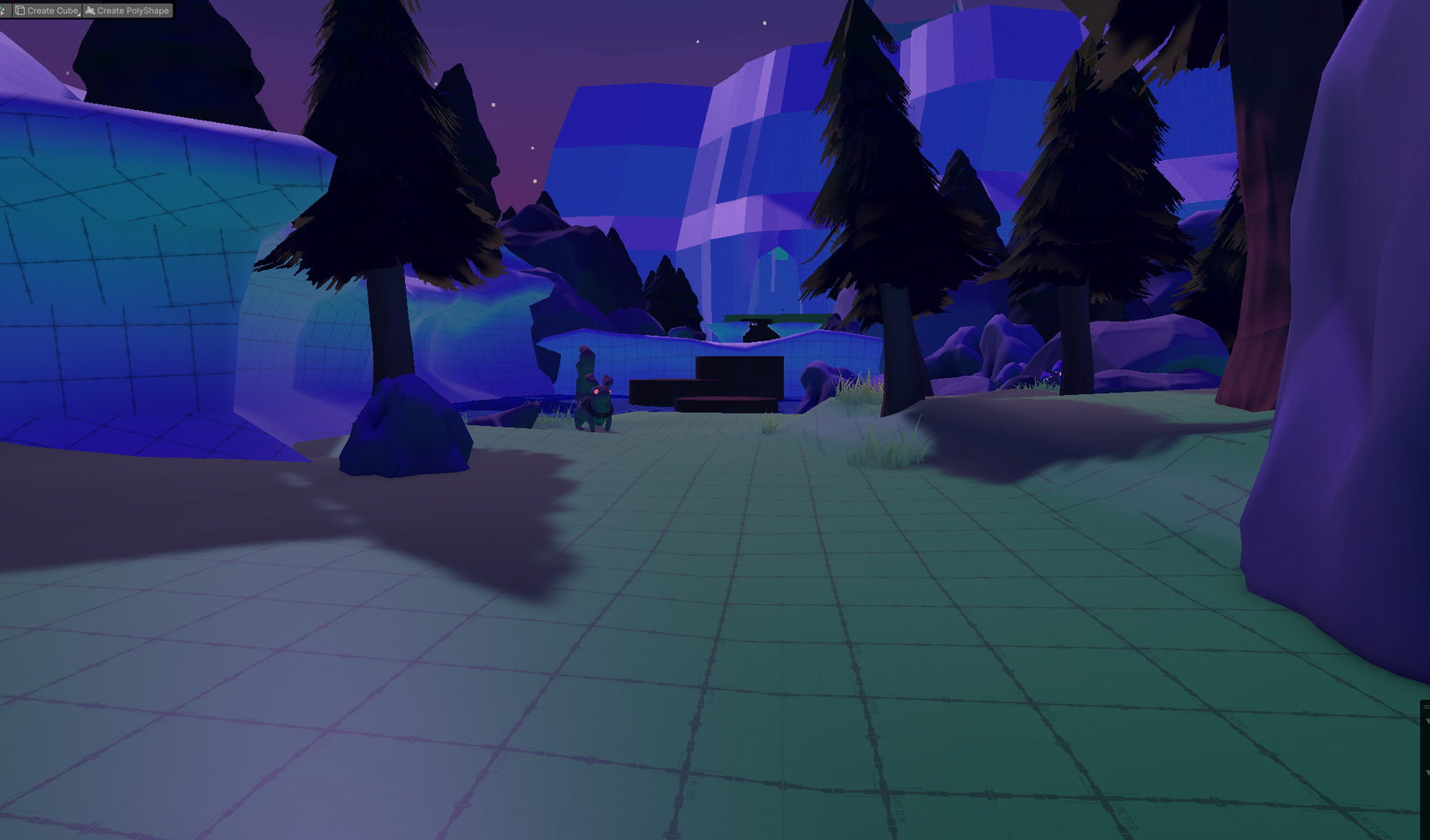
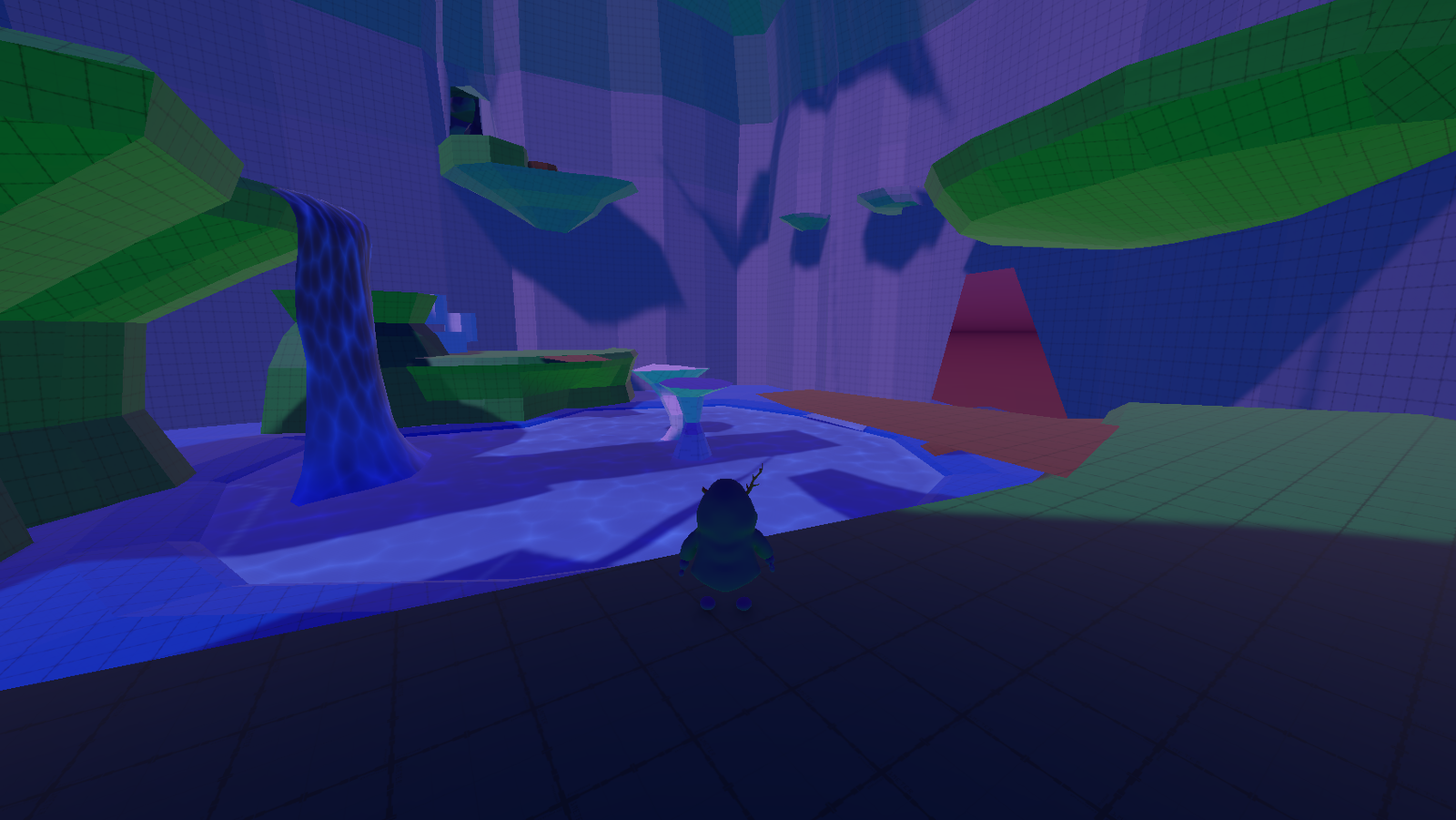
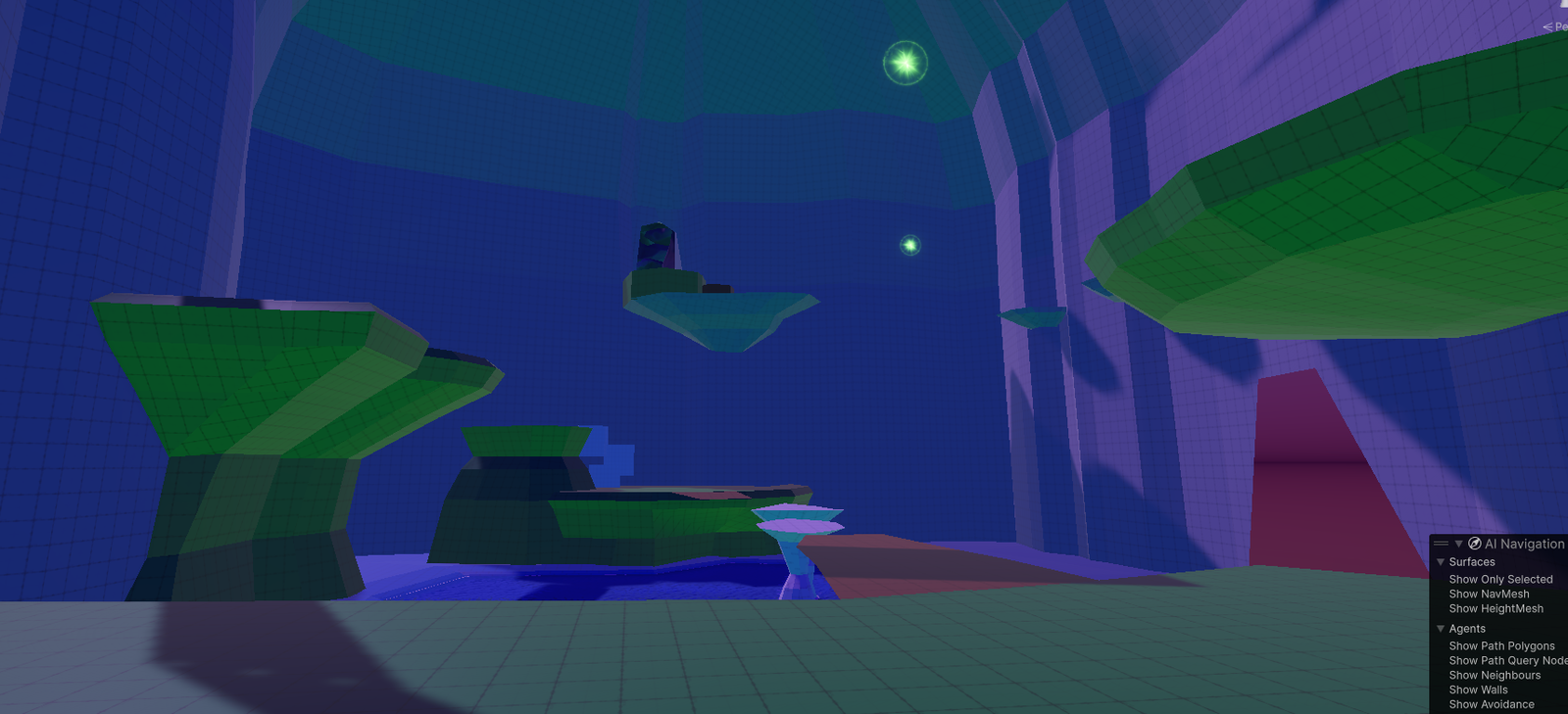
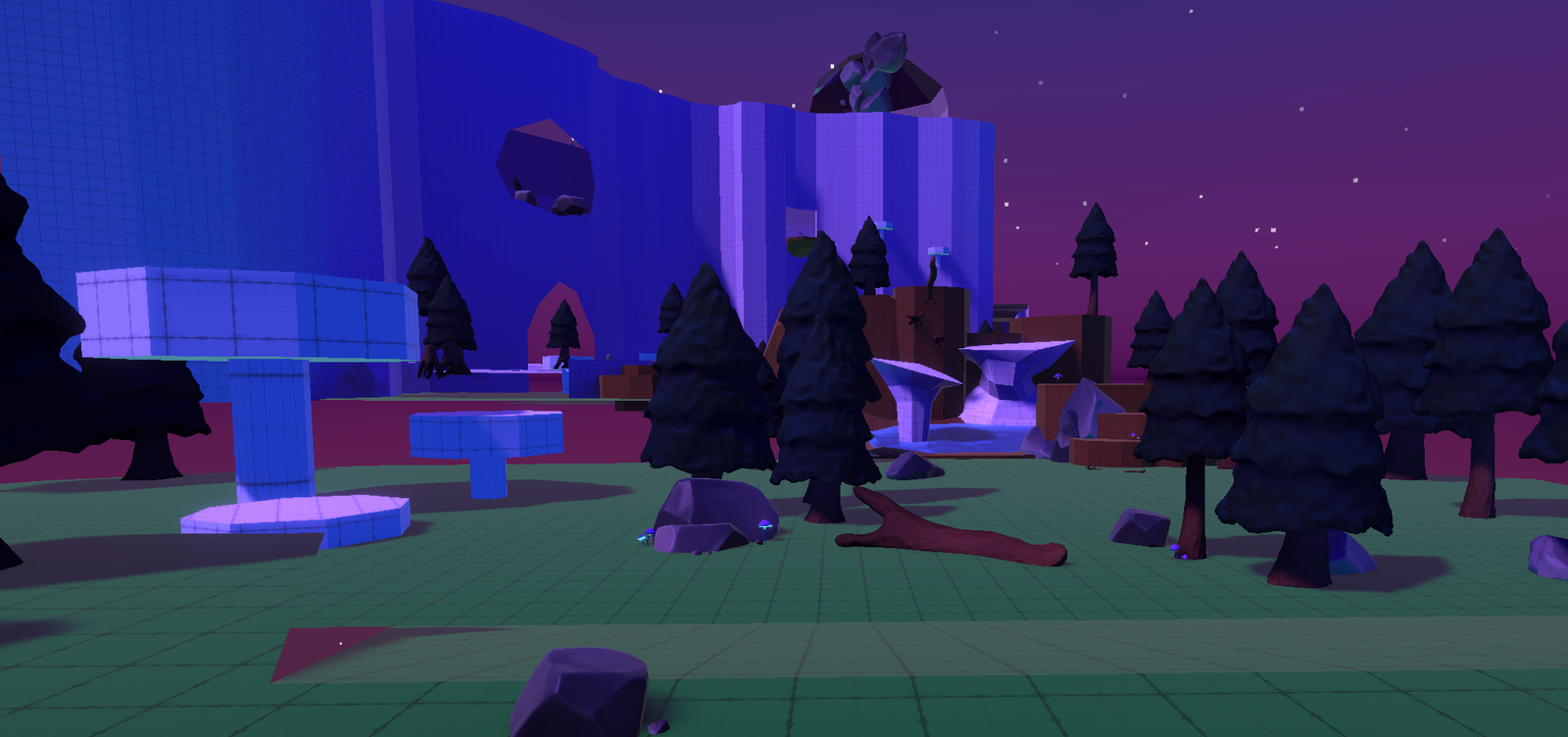
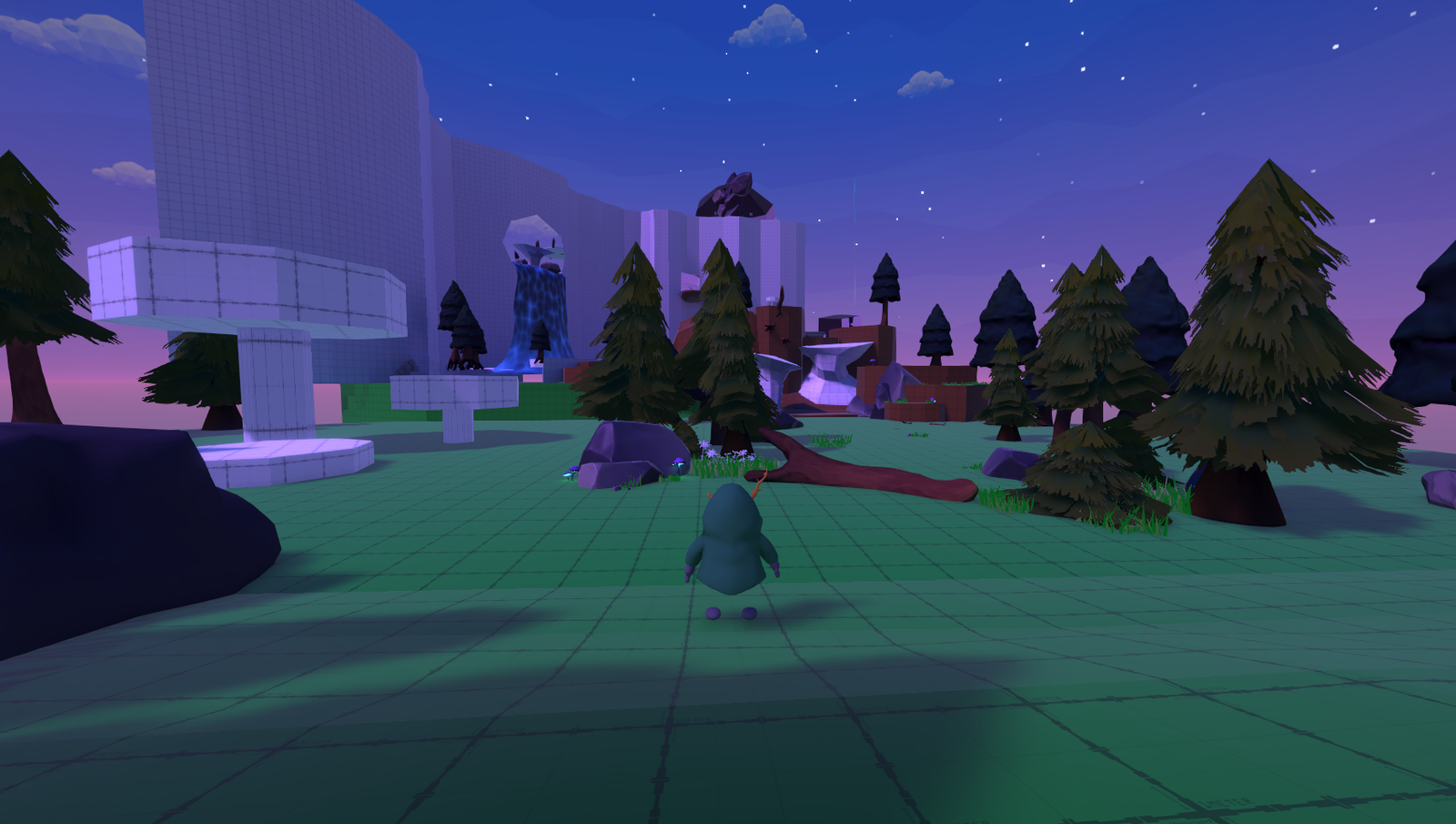
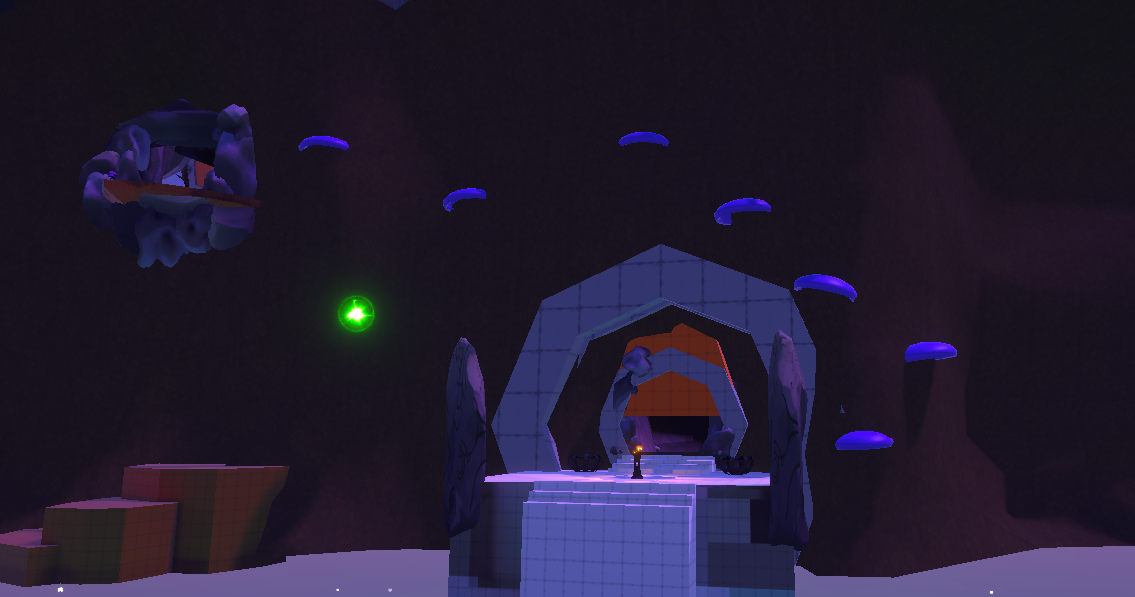
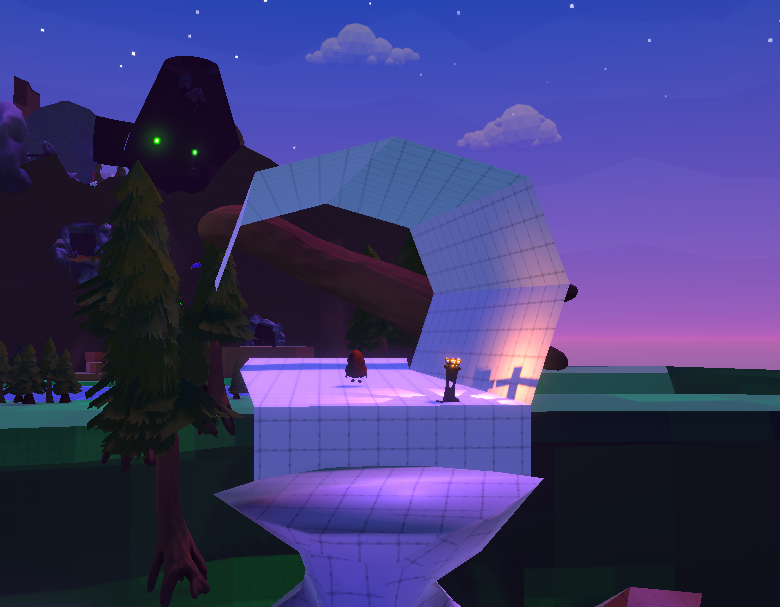
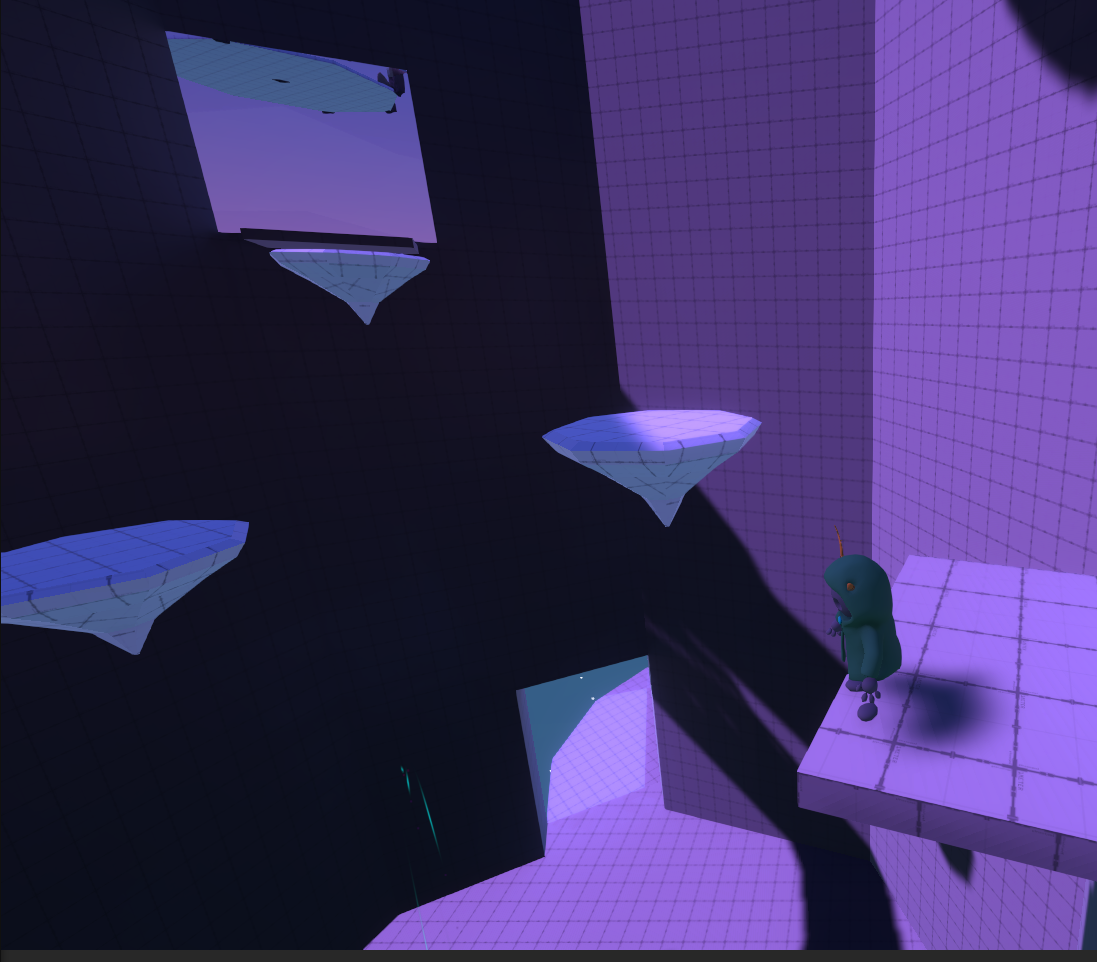
The tutorial was a major focus point. Our main purpose was to include this without disturbing the immersion. Overal the level stayed mostly the same, with some changes elements, such as floating platforms and repositioning certain doors/openings for beter focus points for the player, so while they play they have an idea on where they should go to. This focus of level design was later also used in Level 1 to create an entire new objective.
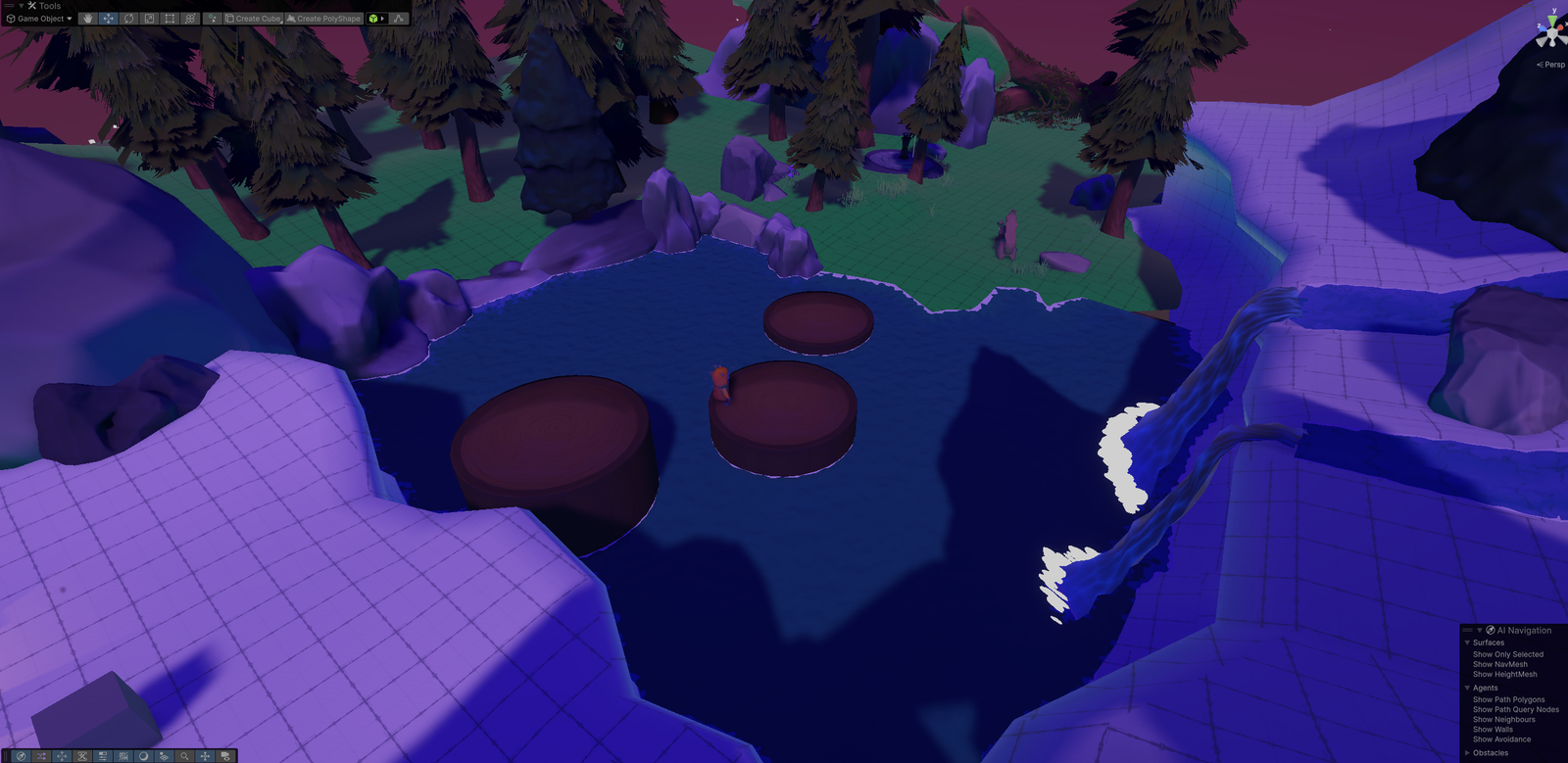
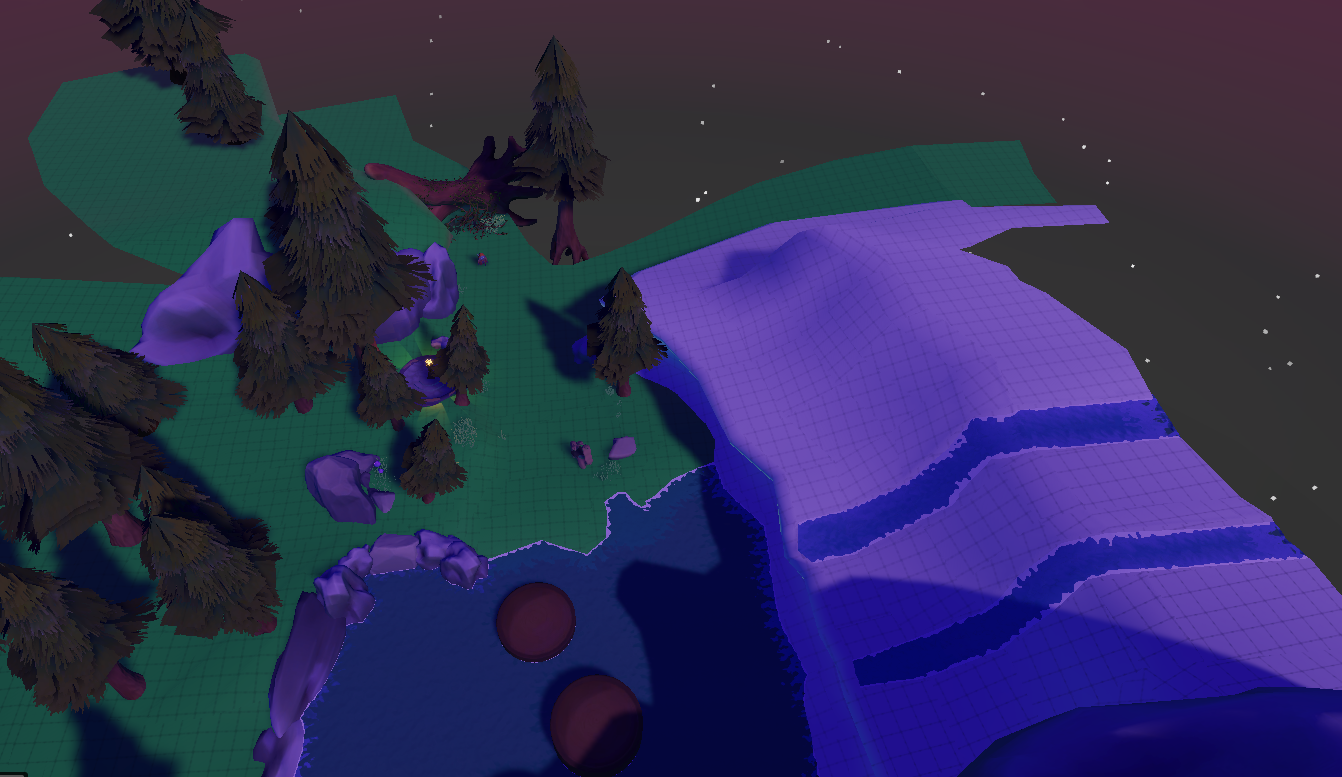
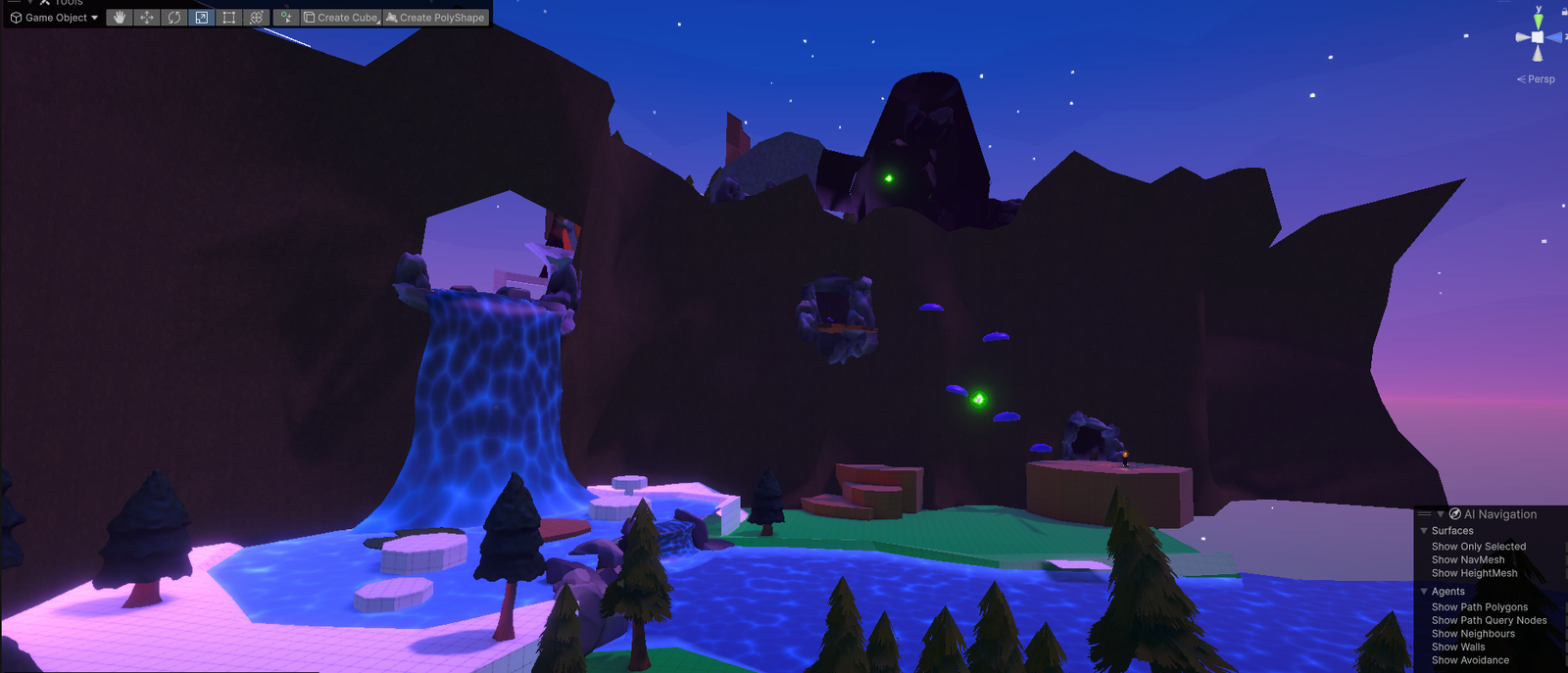
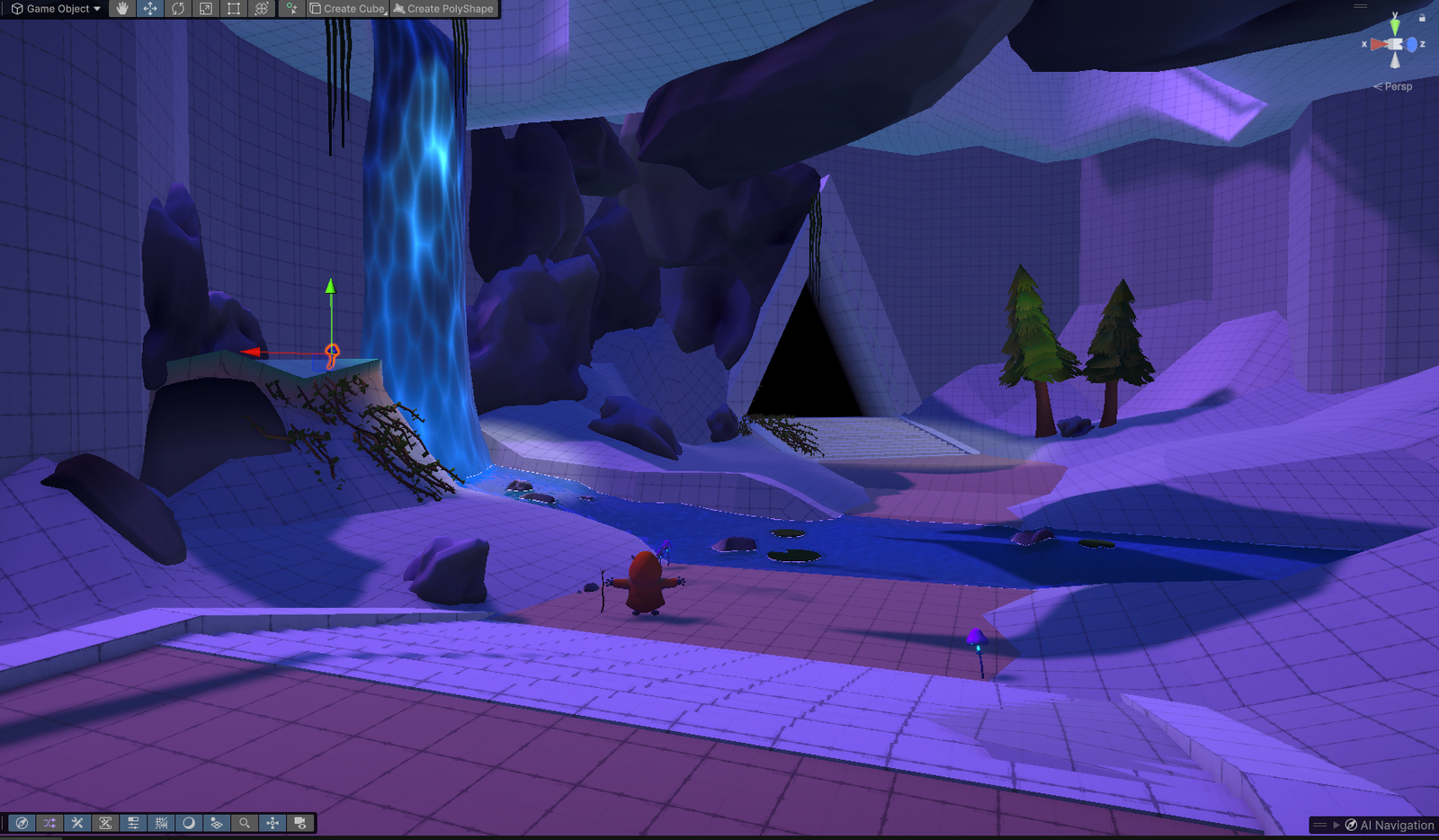
This level has been through the most changes within the project, with adding additional objectives and a better connection to where the player must go.
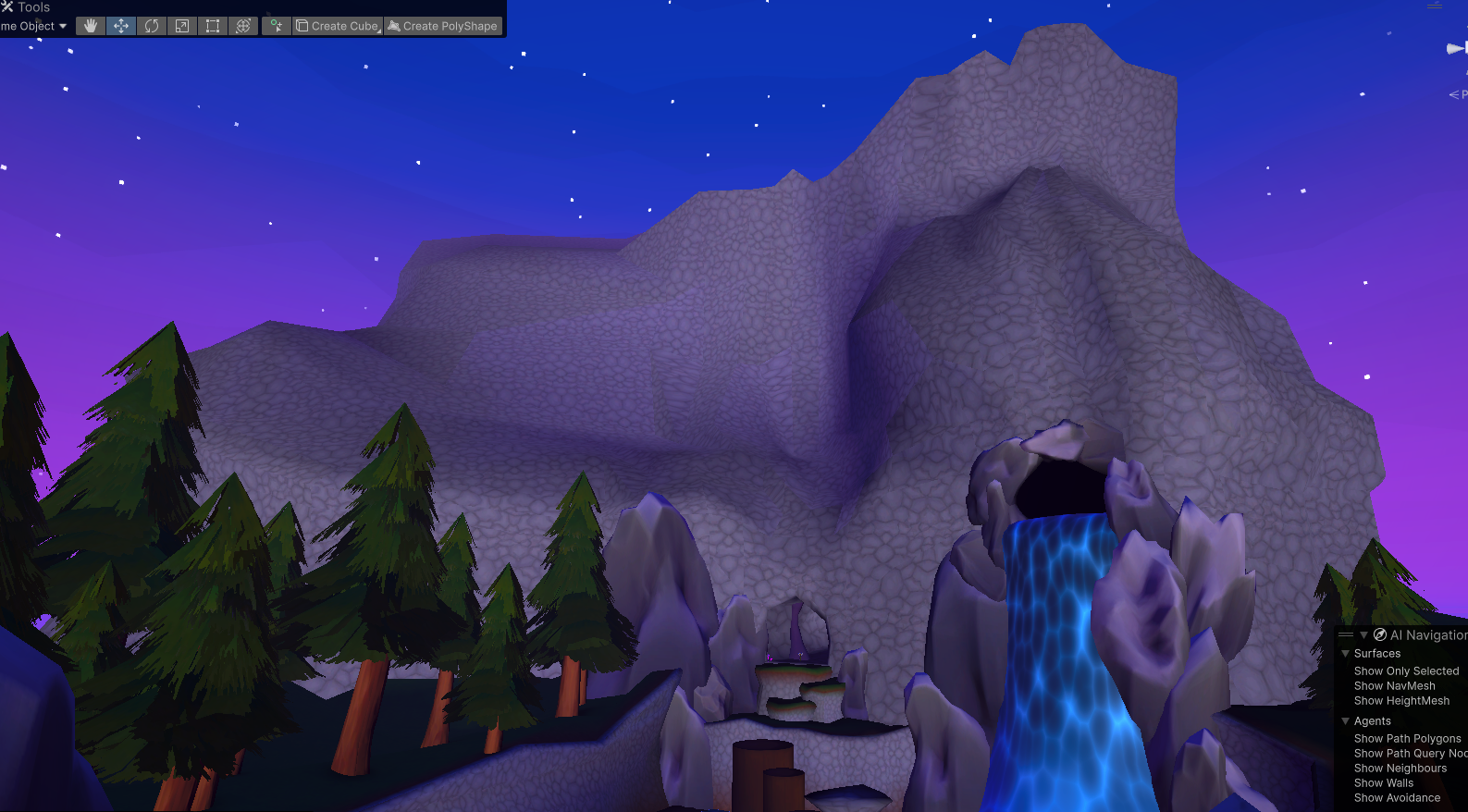
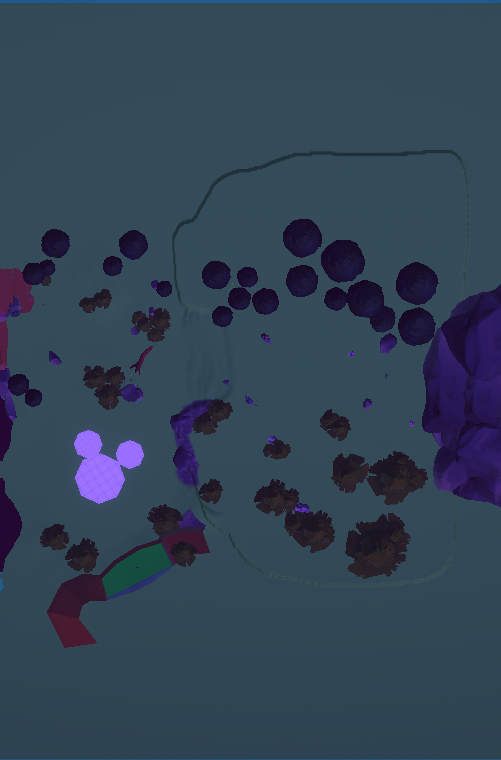
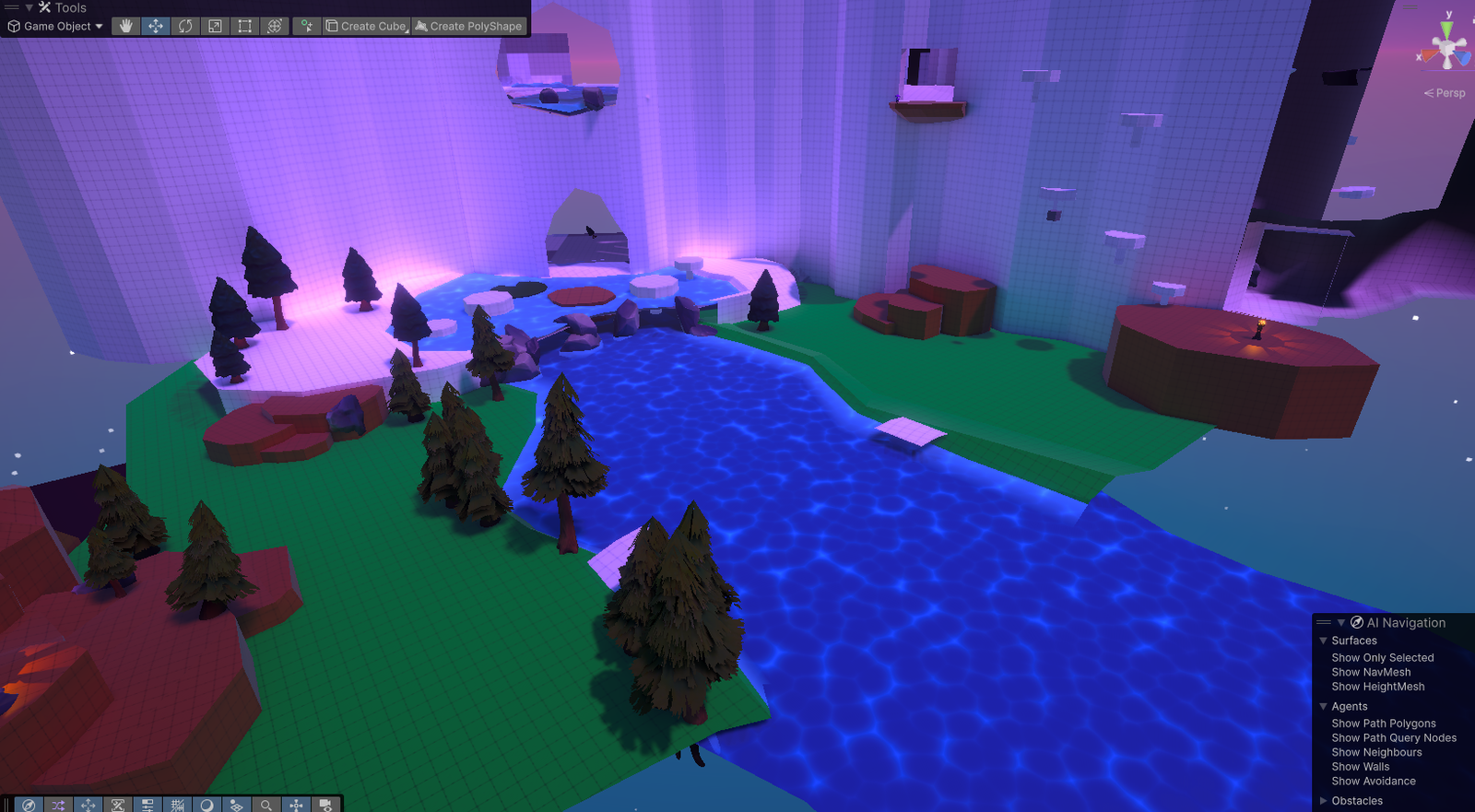
Within this level I also tried to think more of how to grab the players attention, via both lighting, object placement and the environment around you. After many playthroughs the spawn area felt lacking. So I went back to the drawing board and eventually landed on an additional objective which turned the original Waterfall river into a cliff, this felt more natural while also allowing for more cutscenes and parkour.
A cut area which can still be accessed is inside the cave. Which used to hold a puzzle that would reveal the Stag.
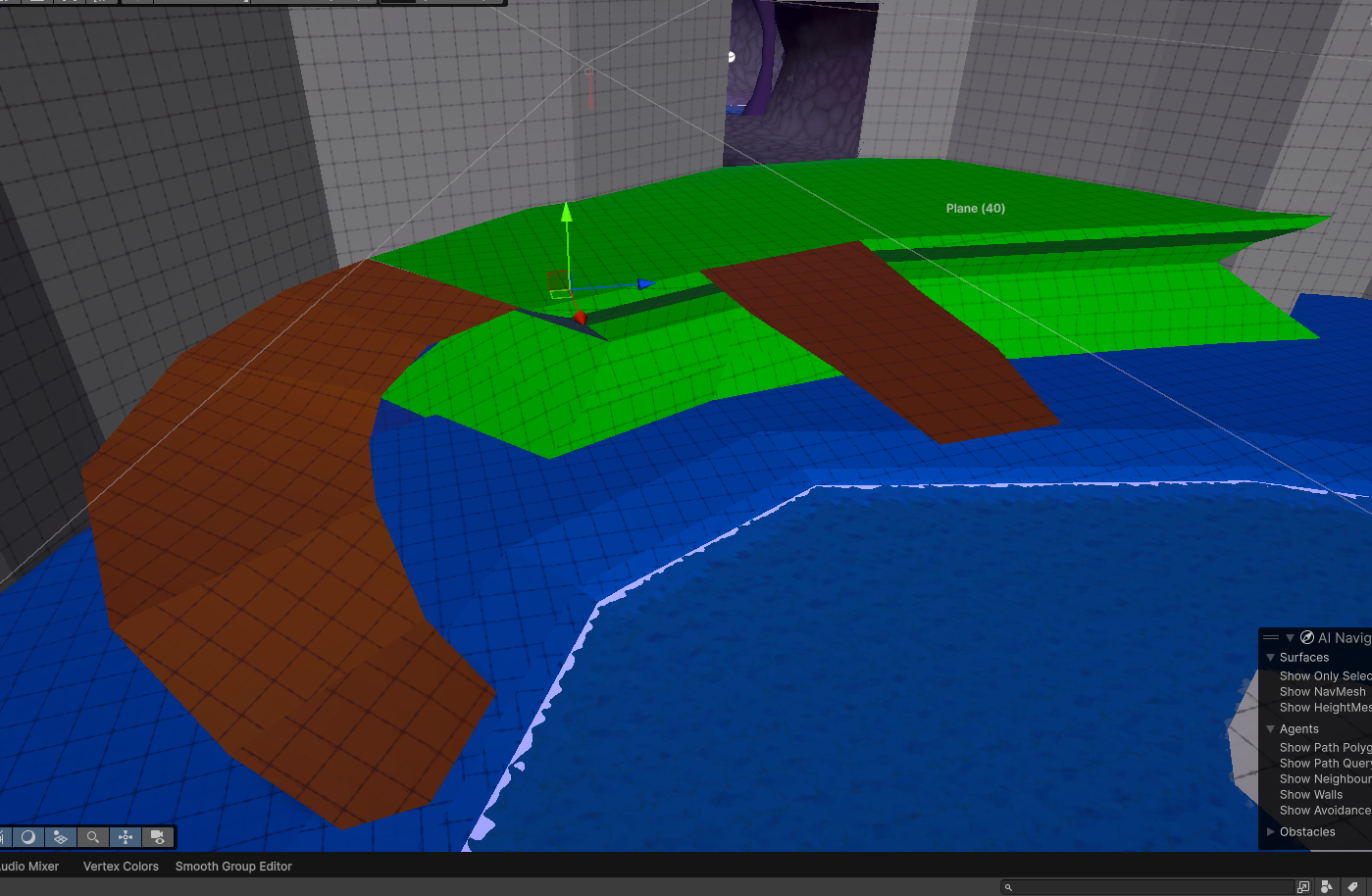
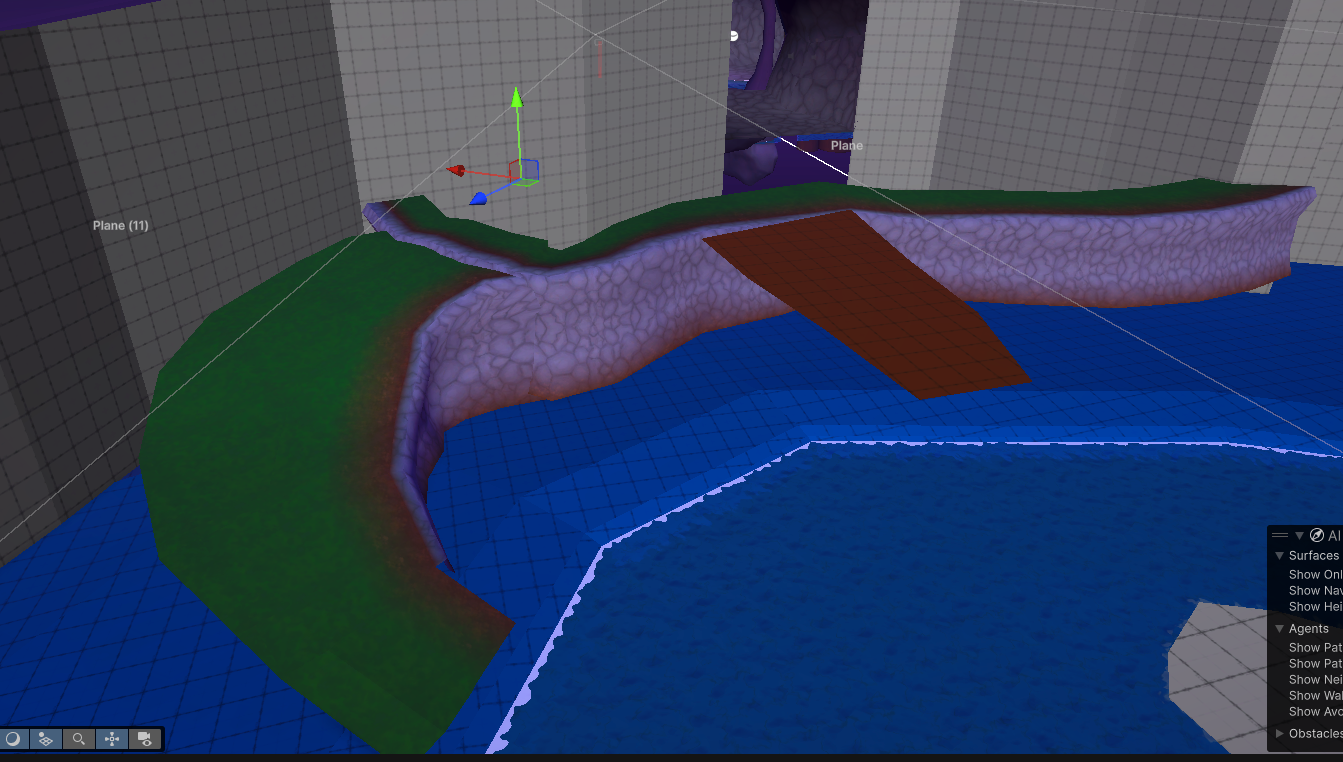
This was cut due to both time constraints and needed story to be hidden away. For all the levels I used Pro Builder to make the terrain to have control over how it should look, while making a custom shader that allowed me to switch between materials via vertex colors.